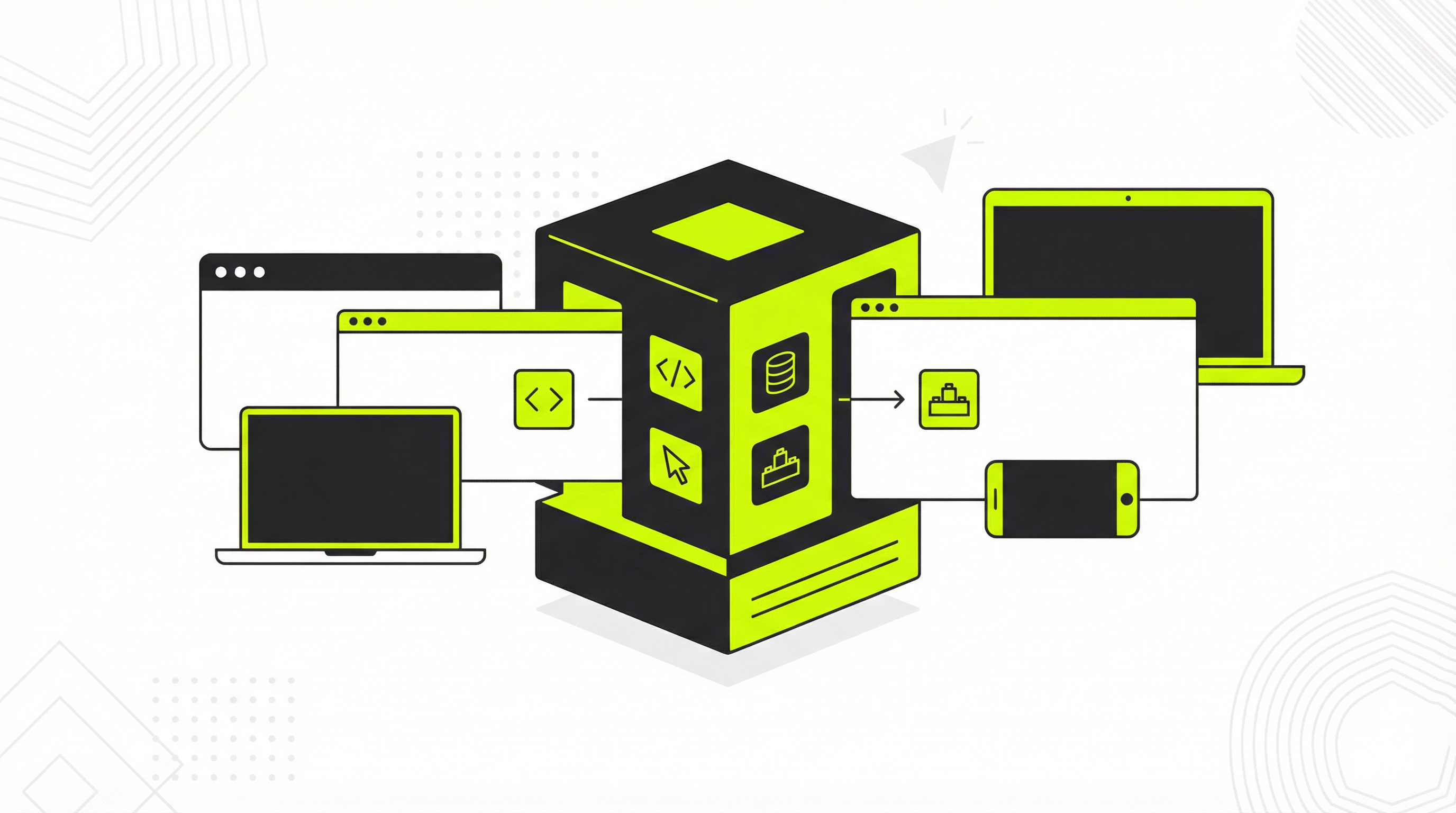
An AI-powered tool like Claude can generate the code for a beautiful website in minutes, a task that once took weeks or months. This incredible speed is a game-changer for businesses and entrepreneurs who want to establish an online presence quickly. However, the initial excitement of creating a website with AI can quickly fade when it comes time to deploy Claude website and actually get it online and ready for business. The process is often more complex than it first appears, and the resulting static website comes with a host of limitations that can hinder a business's growth.
The Deployment Dilemma: Why It's Not So Simple
Once you have the HTML, CSS, and JavaScript files from Claude, you are faced with the challenge of getting them onto a server and making them accessible to the world. This process, known as deployment, can be a significant hurdle for those without a technical background. You will need to choose a hosting provider, upload your files, and configure your domain name. While services like Netlify and Vercel have simplified this process, it can still be a daunting task for the uninitiated. The real problems, however, begin after you successfully deploy Claude website.
A static website is like a printed brochure. It looks nice, but it is not easy to change. If you want to update a piece of text, add a new page, or change an image, you have to go back to the code, make the changes, and then redeploy the entire site. This is a cumbersome and inefficient process, especially for businesses that need to keep their content fresh and up-to-date. Furthermore, static sites lack a content management system (CMS), which means you have no easy way to manage your content, optimize for search engines, or add new functionality with plugins. These limitations can be a major roadblock for any serious business.
How to Deploy Your Claude-Generated Website: A Step-by-Step Guide
For those who want to understand the process, here is a simplified guide to deploying a static website generated by Claude. This will give you a taste of what is involved and help you appreciate the value of a more robust solution.
-
Download Your Website Files: The first step is to get all the necessary files from Claude. This will typically include an
index.htmlfile, astyles.cssfile, and a folder for any images or other assets. -
Choose a Hosting Provider: There are many hosting providers available for static websites. Some popular choices for beginners include Netlify, Vercel, and GitHub Pages. These platforms offer free tiers and a relatively straightforward deployment process.
-
Upload Your Files: Once you have created an account with a hosting provider, you will need to upload your website files. This is usually done by dragging and dropping the files into the provider's web interface or by connecting your account to a Git repository.
-
Configure Your Domain: After uploading your files, your hosting provider will give you a temporary URL where you can view your website. To use your own domain name, you will need to configure the DNS settings with your domain registrar to point to the hosting provider's servers.
The Post-Deployment Reality: The Limitations of a Static Site
While the steps above may seem manageable, the reality of managing a static website can be frustrating. The inability to easily update content is a major pain point for many businesses. Without a CMS, even simple changes require technical expertise and a significant time investment. This can be a major bottleneck, preventing you from reacting quickly to market changes or updating your customers with the latest information. For a deeper dive into the pros and cons, you might find our article on whether you can use AI-generated websites for your business to be an interesting read.
The lack of SEO control is another critical limitation. With a static site, you have to manually edit the code to optimize your titles, meta descriptions, and other on-page SEO elements. This is a tedious and error-prone process that can hurt your search engine rankings. Furthermore, you cannot easily add plugins for things like analytics, contact forms, or e-commerce. These limitations can severely restrict your ability to grow your business and engage with your customers. If you are interested in a more seamless process, our guide on converting a Claude-generated site to a CMS offers a great alternative. For those who started with other AI tools, our article on deploying a ChatGPT-generated website might also be helpful.
The Ultimate Solution: Convert Your Claude Website into a Fully Editable CMS Theme
Instead of struggling with the limitations of a static website, you can use ConvertCMS.ai to transform your Claude-generated design into a fully editable WordPress theme. Our platform takes your static HTML, CSS, and JavaScript files and converts them into a professional, high-quality theme that you can easily manage through the WordPress dashboard. This gives you the best of both worlds: the speed and creativity of AI-powered design and the power and flexibility of a world-class CMS.
With a ConvertCMS.ai theme, you can update your website content as easily as writing an email. You can add new pages, change images, and modify your text with just a few clicks. You also get full control over your SEO, allowing you to optimize your website for search engines and attract more organic traffic. And with the vast library of WordPress plugins available, you can add any functionality you need, from e-commerce to social media integration. This makes it easy to hand off the website to a client, who can then manage it themselves without any technical knowledge. For a detailed walkthrough, check out our guide on how to convert a Claude website to WordPress.
Get Started with ConvertCMS.ai Today
Don't let the challenges of deployment and website management hold you back. With ConvertCMS.ai, you can unlock the full potential of your AI-generated website. Our service is perfect for individuals and agencies, with plans starting at just $50 per month. Stop struggling with static files and start building a dynamic, professional website that can grow with your business. Visit ConvertCMS.ai today and see how easy it is to deploy Claude website projects the right way.