How to Convert a Claude Website to WordPress
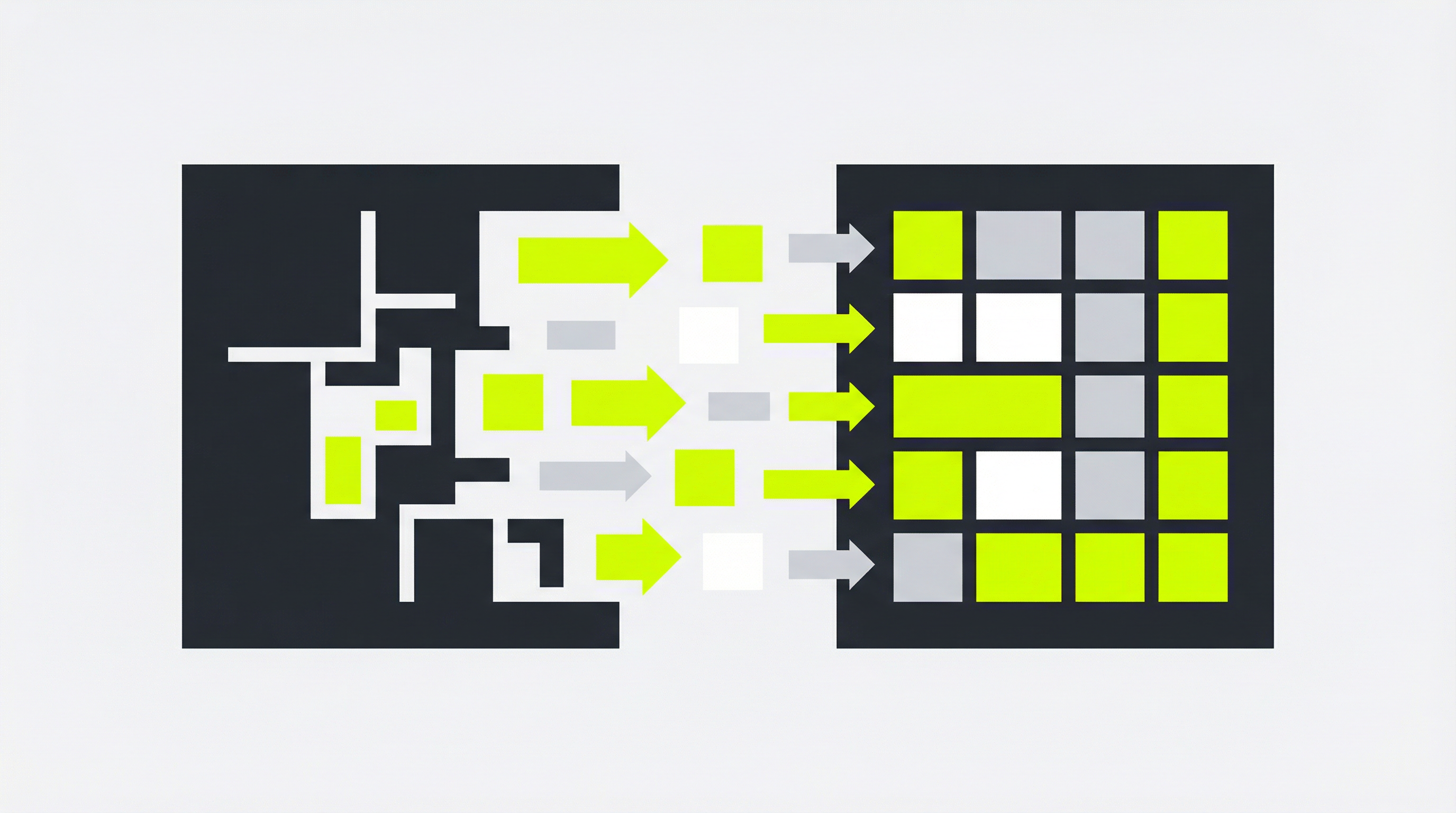
An AI-generated website can be a fantastic starting point, but what happens when you need more than just a static page? If you've used Claude to generate a website, you might be wondering how to take the next step and convert your Claude website to WordPress. This transition is crucial for anyone looking to build a scalable, manageable, and professional online presence. Without a proper content management system (CMS), you'll quickly run into limitations with updating content, managing SEO, and adding new features.
Why Converting Your Claude Website to WordPress Matters
While AI tools like Claude are excellent for generating initial HTML and CSS, they don't provide a backend system for managing your site. This means you're left with a collection of static files that are difficult to edit without coding knowledge. For business owners and marketers, this creates a significant bottleneck. Simple text changes or adding a new blog post can become a time-consuming and technical task. This is a common issue, and many users find their Claude-generated website is not easily editable [blocked].
Furthermore, a static website lacks the powerful features that a CMS like WordPress offers. You miss out on a vast ecosystem of plugins for everything from SEO optimization to e-commerce. Client handoffs become a nightmare, as you're essentially delivering a product that the client cannot manage themselves. By converting your Claude website to WordPress, you unlock the full potential of your online presence, making it easy to update, expand, and optimize for search engines.
Step-by-Step: How to Convert Your Claude Website to WordPress
Transitioning from a static Claude-generated site to a dynamic WordPress theme can seem daunting, but it can be broken down into a few key steps. This process typically involves a significant amount of manual work, which is why a service like ConvertCMS.ai is so valuable. Here’s a general overview of what the manual conversion process looks like:
-
Set Up a WordPress Environment: Before you can do anything else, you need a place for your new WordPress site to live. This involves choosing a hosting provider, installing WordPress, and getting your basic site structure in place. This is also the stage where you would typically consider how you will eventually deploy your Claude-generated website [blocked] in its new format.
-
Break Down the HTML: Take the HTML file generated by Claude and break it into the component parts of a WordPress theme. This means separating the header, footer, sidebar, and main content areas into their own PHP files. This is a critical step in the Claude website to WordPress conversion process.
-
Add WordPress Functions: With your files separated, you need to replace static content with dynamic WordPress functions. For example, you’ll replace the static site title with
<?php bloginfo('name'); ?>and the static navigation menu with a dynamic menu function. This is where a deep understanding of both HTML and WordPress development is essential. -
Create a Stylesheet: You'll need to move the CSS from your Claude-generated file into a
style.cssfile for your WordPress theme. This file also needs a special header comment that tells WordPress the name of your theme, the author, and other important information. -
Enqueue Scripts and Styles: To properly load your CSS and any JavaScript files, you need to enqueue them in your theme's
functions.phpfile. This ensures that they are loaded correctly and don't conflict with any plugins you might install later. For a more detailed look at this process, our guide on Claude HTML to CMS conversion [blocked] can provide additional insights.
Pro Tips for a Smooth Transition
Converting your Claude website to WordPress is more than just a technical task; it's an opportunity to improve your website. As you go through the process, think about how you can make your site more user-friendly and effective. For instance, this is a great time to ensure your site is fully responsive and looks great on all devices.
Another pro tip is to leverage the power of WordPress to add new functionality. Consider adding a blog, a contact form, or even an e-commerce store. These are things that are difficult to do with a static site but are relatively simple with WordPress. The conversion process is the perfect time to plan for the future and build a site that can grow with your business. For those who are new to this, understanding the fundamentals of how to convert HTML to WordPress [blocked] can be incredibly beneficial.
The ConvertCMS.ai Solution
As you can see, manually converting a Claude website to WordPress is a complex, time-consuming, and technical process. It requires a deep understanding of web development and can be a major headache for business owners and marketers who just want a website that works. This is where ConvertCMS.ai comes in.
Our platform automates the entire conversion process, taking your AI-generated HTML and turning it into a fully editable WordPress theme in minutes. For just $50/month for individuals or $250/month for agencies, you can say goodbye to the limitations of static websites. With ConvertCMS.ai, you get a professional, easy-to-manage WordPress site without writing a single line of code. Stop struggling with uneditable websites and let ConvertCMS.ai empower you to take control of your online presence.