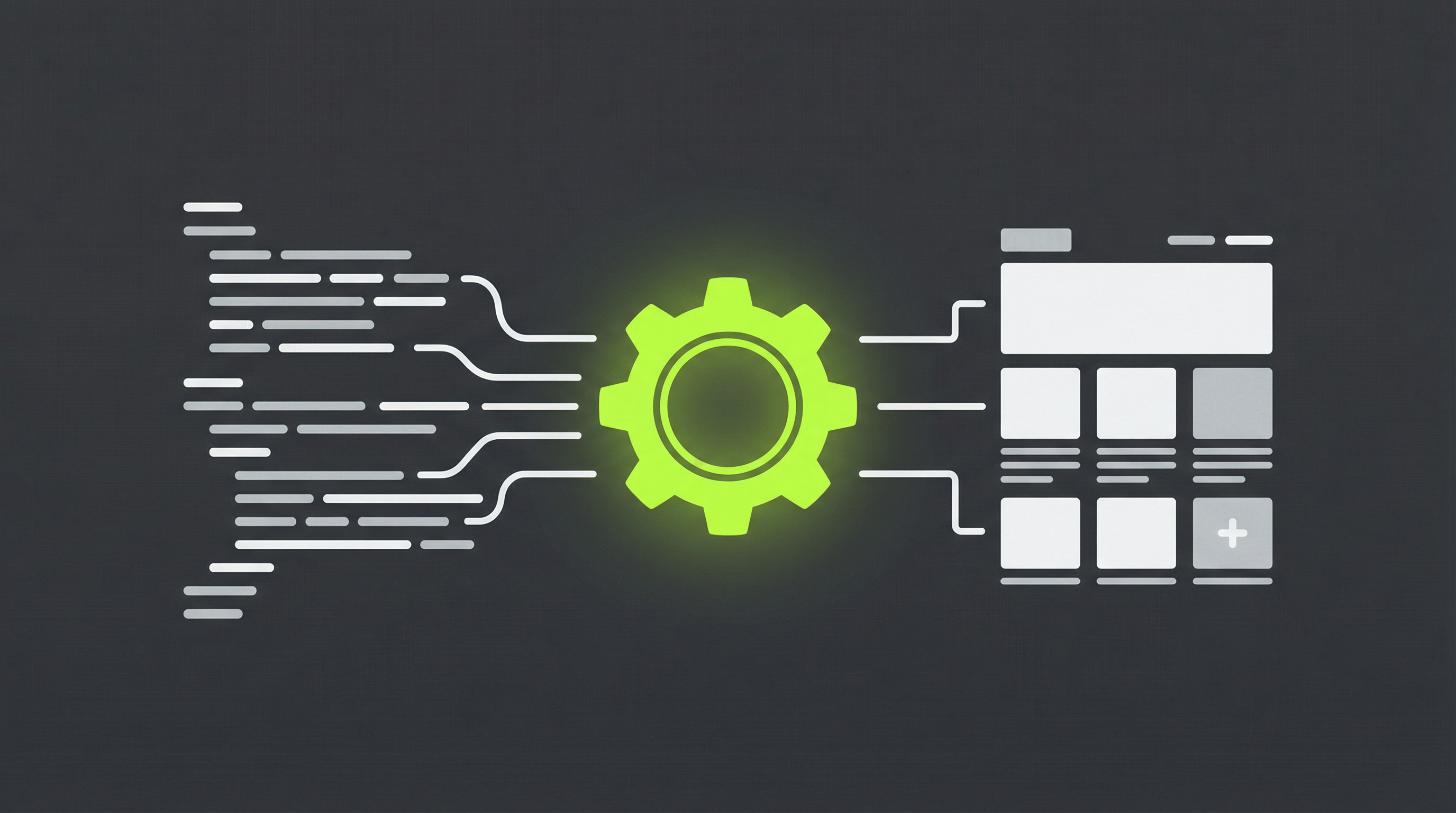
Anthropic's Claude has emerged as a powerful tool for generating HTML and CSS, allowing creators and businesses to prototype website designs with incredible speed. You can go from a simple prompt to a visually appealing webpage in minutes. However, the initial excitement often fades when you realize the output is a static site, lacking the dynamic capabilities of a modern Content Management System (CMS). This is where the need for a Claude HTML to CMS conversion becomes critical. Without a proper CMS, you're left with a beautiful but rigid website that's difficult to update, manage, or scale.
Why a Static HTML Site from Claude Isn't Enough
While AI-generated HTML provides a fantastic starting point, it presents significant long-term challenges for anyone serious about their online presence. The core issue is the static nature of the code. Every update, no matter how small, requires manual coding changes. Imagine wanting to update a price, change a headline, or add a new blog post. You would need to dig into the HTML files, make the edits, and re-upload them to your server. This process is not only time-consuming but also prone to errors.
This limitation becomes even more pronounced when you consider client handoffs. Delivering a static site to a client who lacks technical expertise is a recipe for frustration. They won't be able to manage their own content, add new pages, or control their SEO settings without constantly relying on a developer. Furthermore, static sites lack support for the vast ecosystem of plugins and extensions that provide crucial functionality like contact forms, e-commerce, and advanced analytics. For those looking to move beyond a simple brochure site, converting to a flexible system is not just a recommendation; it's a necessity. Many find the process of converting a static website to a CMS [blocked] to be a crucial step in growing their online platform.
The Path from Claude's Code to a Dynamic CMS
Transitioning your Claude HTML to CMS infrastructure can seem daunting, but it's a well-defined process that unlocks the full potential of your website. By moving to a platform like WordPress, you empower yourself and your clients with the ability to manage content effortlessly. This conversion process bridges the gap between AI-generated design and real-world usability, turning a static template into a living, breathing website that can evolve with your business needs.
For those who have experimented with other AI tools, the challenge remains the same. Whether you are working with code from Anthropic's platform or looking into a ChatGPT website export to CMS [blocked], the fundamental goal is to gain control and flexibility. The manual conversion process, however, can be complex and requires a deep understanding of theme development, which is why many users seek out more streamlined solutions.
A Step-by-Step Guide to Manual Conversion
If you have the technical skills, you can manually convert your Claude-generated site. Here’s a simplified overview of the steps involved:
-
Analyze and Clean Your HTML. Start by organizing the HTML file generated by Claude. Ensure it's well-structured, semantic, and free of any inline styles that will be hard to manage later. Separate the structure into logical parts like the header, footer, and main content areas.
-
Set Up Your CMS Environment. Install your chosen CMS, with WordPress being the most popular choice due to its extensive community and plugin support. Create a new, blank theme that will house your converted code.
-
Deconstruct the HTML into Theme Files. This is the most intensive part of the process. You'll need to break your single HTML file into multiple PHP files that the CMS can understand. This typically includes
header.php,footer.php,index.php, andstyle.css. -
Integrate Dynamic CMS Functions. Replace static content with the appropriate CMS functions. For instance, a static title tag becomes a dynamic call to fetch the page title, and navigation menus are replaced with a function that generates them from the CMS dashboard.
-
Test and Refine. Once the theme is assembled, thoroughly test every page and feature. You may encounter issues, such as the common Claude website export problem [blocked], which often relates to how the AI structures its output. This stage requires patience and debugging to ensure everything works seamlessly.
The Smarter, Faster Solution: ConvertCMS.ai
While a manual Claude HTML to CMS conversion is possible, it's a highly technical and time-consuming endeavor. For business owners, marketers, and agencies who value efficiency, there's a much better way. ConvertCMS.ai was built specifically to solve this problem, offering a powerful and automated platform to transform your AI-generated websites into fully editable CMS themes.
Instead of spending hours or even days wrestling with code, you can simply provide your Claude-generated HTML to our platform. ConvertCMS.ai intelligently analyzes the structure and converts it into a high-quality, editable theme for popular CMS platforms. This not only saves you an immense amount of time but also eliminates the technical headaches and potential for error. Our process is designed to be seamless, whether you want to convert a Claude website to WordPress [blocked] or another leading CMS.
Stop letting the limitations of static HTML hold you back. With ConvertCMS.ai, you can finally bridge the gap between AI-powered design and true content management. For just $50 per month for individuals or $250 per month for agencies, you can unlock a streamlined workflow that empowers you to build, manage, and scale dynamic websites with ease. Take control of your Claude HTML to CMS workflow and start building websites that are as flexible as they are beautiful. Sign up for ConvertCMS.ai today and experience the future of web development.