How to Turn Code Into a Website You Can Manage
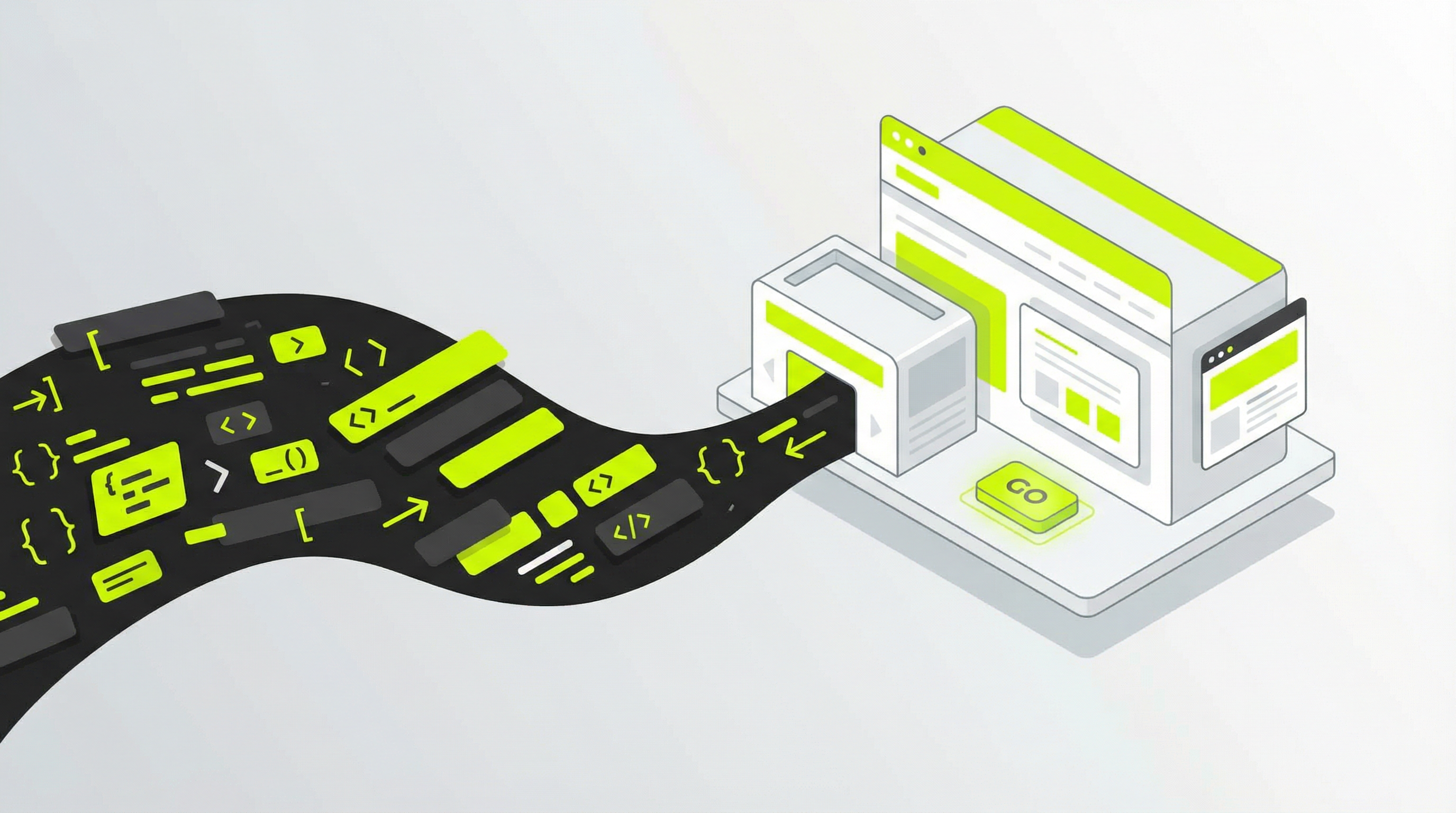
''' You've done it. You used an AI website builder like ChatGPT, Claude, or v0.dev to generate a stunning design and the code for your new website. It looks fantastic, but you quickly run into a major roadblock: how do you actually use it? The moment you need to change a sentence, update a price, or add a new blog post, you realize you’re stuck with a folder of static files that are impossible to manage without a developer. This is a common hurdle for many businesses and agencies, but the solution is simpler than you think. The key is to convert that static code to CMS (Content Management System), turning your beautiful but rigid design into a flexible, powerful website you can control.
Why a Static Website Isn't Enough
That initial burst of excitement from seeing your AI-generated site can quickly fade when the practical realities of running a business set in. A static website is like a printed brochure; it looks great, but it's not interactive or easy to update. Any change, no matter how small, requires digging into the code. This creates several significant pain points, especially for business owners and marketers who need to be agile.
Without a proper CMS, you lose control over your own content. You can't update text on your services page, add a new team member, or publish articles without hiring a developer. This creates bottlenecks and adds unnecessary costs. Furthermore, you have virtually no SEO control. A real CMS gives you the tools to optimize titles, meta descriptions, and content, which is essential for ranking on Google. Static sites also lack support for plugins, meaning you can't easily add a contact form, an appointment booking system, or an e-commerce store. For agencies, handing off a static site to a client is a recipe for future headaches and support requests.
The Traditional Path: Manually Converting Code to a CMS
So, how do you bridge the gap between your generated code and a manageable website? The traditional process is a technical one, typically requiring a skilled web developer. It involves deconstructing the AI-generated HTML and CSS and rebuilding it within a CMS framework like WordPress. This journey from code to CMS is what transforms a simple design into a dynamic digital asset.
First, a developer must dissect the static HTML to identify repeating sections like the header, footer, and sidebar. Then, they choose a CMS, with WordPress being the most popular choice due to its flexibility and extensive plugin ecosystem. The core of the work involves creating a custom theme. This means splitting the static HTML into the appropriate PHP template files that WordPress understands, such as header.php, footer.php, and index.php. For anyone looking to learn how to edit a website without touching code [blocked], this manual process is the exact opposite of that goal.
Next comes the most crucial step: making the content dynamic. The developer replaces the hard-coded text and images with special PHP functions. These functions pull content directly from the WordPress database, allowing you to edit everything from a user-friendly admin panel. This is the magic that makes a site truly manageable. It’s the fundamental difference between a static page and what most people consider a real, functional website [blocked]. Finally, the new theme is tested thoroughly before being deployed to a hosting server.
A Better Way: Automate the Code to CMS Conversion
While the manual method works, it is slow, expensive, and requires specialized expertise. For most businesses and agencies, this creates a significant barrier. You have a great design, but the cost and complexity of making it functional are prohibitive. This is precisely why so many websites are difficult to edit [blocked] and why a new approach is needed. The ultimate goal is to find an efficient way to move from a static design to a dynamic CMS [blocked] without the development overhead.
This is where an automated platform becomes a game-changer. Instead of hiring a developer to spend weeks on a manual conversion, you can use a service that handles the entire code to CMS process for you. These tools are designed to intelligently analyze your static code and automatically restructure it into a fully editable, high-quality WordPress theme. This not only saves an enormous amount of time and money but also empowers you to take control of your web presence without learning to code.
ConvertCMS.ai was built to solve this exact problem. We believe that turning a brilliant AI-generated design into a manageable website shouldn't be a complex, costly project. Our platform takes your static HTML, CSS, and JavaScript files and seamlessly converts them into a professional, easy-to-edit WordPress theme. You get all the benefits of a powerful CMS—easy content updates, SEO control, and plugin support—without the traditional development headaches. Stop letting your beautiful designs go to waste. It’s time to turn your static code to CMS and unlock the full potential of your website. Get started with ConvertCMS.ai today! '''