How to Turn an AI Website Into a Real Website
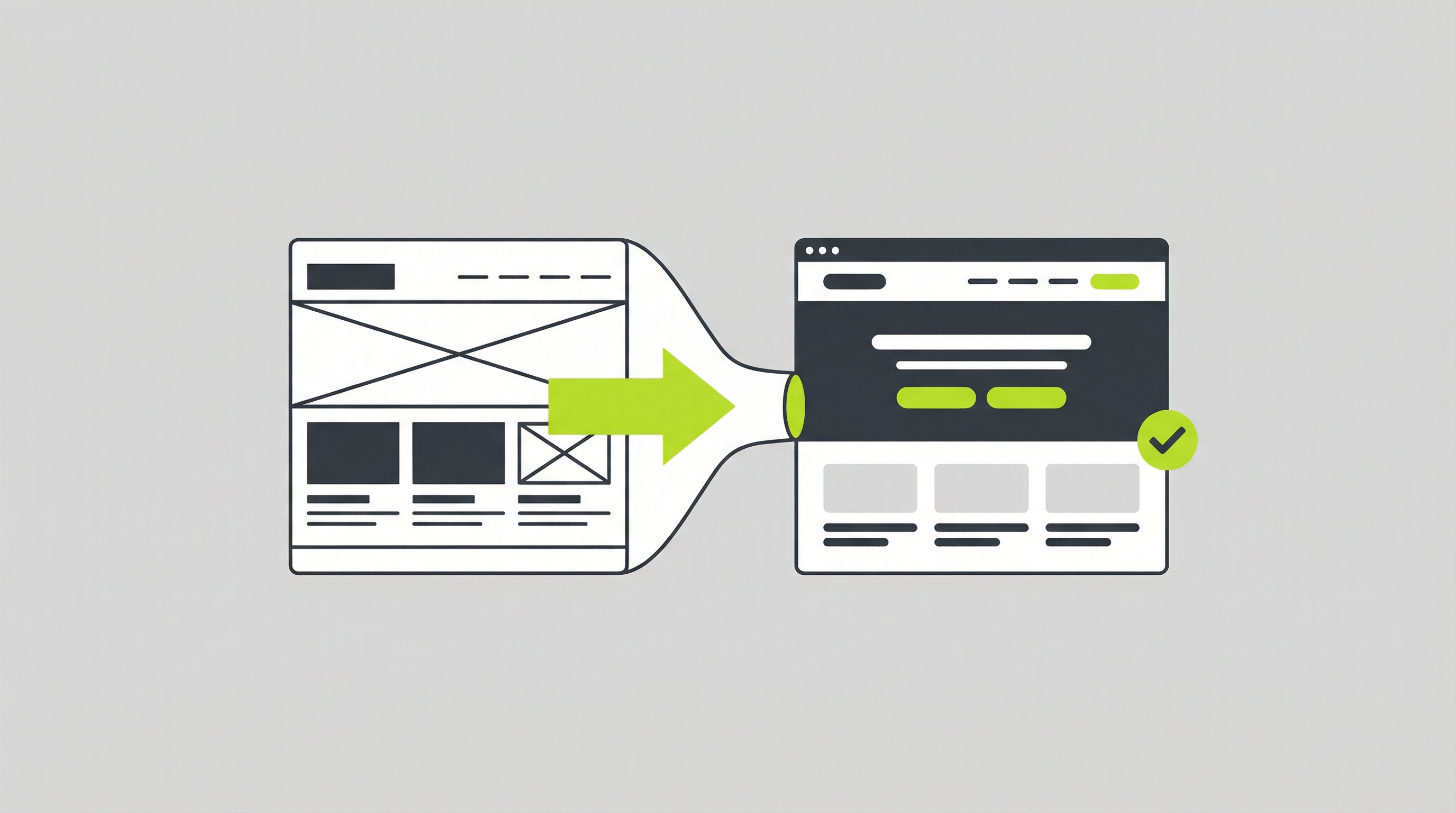
AI website generators are an exciting starting point, but many business owners quickly discover their limitations. What begins as a quick and easy way to get online often becomes a frustrating roadblock. The static, uneditable nature of most AI-generated sites prevents you from making simple text updates, adding new pages, or implementing crucial SEO strategies. This is a common challenge, but the good news is that you can absolutely turn that initial AI website to real website that is fully functional and ready for business. It’s a necessary step for anyone serious about using their online presence to drive growth.
Why a "Real" Website Matters
For a business, a website is more than just a digital brochure; it’s a dynamic tool for marketing, sales, and customer engagement. The initial output from an AI generator is often a closed system. You get a visually appealing design, but you're locked out of the backend. This means you have no control over the things that truly matter for a business, such as search engine optimization, content marketing, or integrating with other tools. Without the ability to add a blog, connect analytics, or use plugins for e-commerce or lead generation, your site’s potential is severely capped. This is where the transition from an AI website to real website becomes not just a preference, but a necessity. A real website, built on a proper Content Management System (CMS), gives you the power to adapt, grow, and truly own your digital asset.
Turning Your AI Website into a Real Website: A Step-by-Step Guide
Transitioning from a static AI-generated site to a fully editable one might seem daunting, but it can be broken down into a few manageable steps. Here’s how you can approach the process of converting your AI website to real website.
1. Choose a Content Management System (CMS)
The first and most important step is selecting a CMS. For most businesses, WordPress is the go-to choice due to its flexibility, extensive plugin ecosystem, and user-friendly interface. A powerful CMS is the foundation of a real website, giving you the ability to manage your content, add new pages, and customize your site’s functionality. While there are many options available, a platform like WordPress provides the robust framework needed to support a growing business. You can learn more about how to make an AI website editable without coding [blocked] to better understand the benefits of a CMS.
2. Extract Your Design and Content
Next, you need to capture the design elements and content from your AI-generated site. This includes saving all the images, copying the text, and taking note of the color schemes and font choices. This can be a manual process, but it’s crucial for recreating the look and feel of your site on the new platform. Think of it as gathering the raw materials for your new, improved website. This is a common part of any AI website fix.
3. Rebuild the Structure in Your CMS
With your assets gathered, it’s time to start building on your chosen CMS. This involves creating pages, setting up your navigation menu, and adding your content. You’ll be recreating the structure of your AI site within a much more powerful and flexible environment. This is where you’ll start to see the benefits of a true CMS, as you can easily add, edit, and rearrange content without any technical limitations. For those wondering about the long-term viability, it ’s important to consider if AI-generated websites are suitable for real business use [blocked] in their static form; the answer is often no.
4. Customize and Go Live
Once your content is in the CMS, you can start customizing. This is the fun part. You can tweak the design, install plugins for new features, and set up your SEO. This is where your static AI site transforms into a living, breathing website that you can continuously improve. After you’re happy with the result, you can point your domain to the new site and go live. This process of converting your AI site to CMS is a game-changer for any business.
Pro Tips for a Smooth Transition
Making the move from an AI website to real website can be a significant project, but a few tips can help ensure it goes smoothly. It's not just about rebuilding; it's about upgrading. This is your opportunity to address the limitations you previously faced.
One of the biggest wins is gaining full SEO control. Once you're on a real CMS, you can install powerful SEO plugins, customize your metadata, and build a content strategy. This is something that's simply not possible with a static AI site. You can also start thinking about how to properly manage your AI website after it's built [blocked], ensuring it stays up-to-date and secure.
Another key area is functionality. Need a contact form, an appointment booking system, or an online store? With a CMS like WordPress, you can add almost any feature imaginable through plugins. This extensibility is crucial for adapting to your business's changing needs. The process is much simpler than trying to figure out the steps to edit an AI-generated website [blocked] on a locked platform.
Finally, consider the client handoff process. If you're an agency building sites for clients, delivering a static AI site is a recipe for future headaches. A proper AI site to CMS conversion allows you to hand over a project that the client can actually manage themselves, which is a much more professional and sustainable solution. This is a common AI website fix that agencies need to perform.
The Ultimate Solution: ConvertCMS.ai
The manual process of turning an AI website to real website can be time-consuming and technical. It requires design skills, content migration, and CMS configuration. For busy business owners and agencies, this is a significant hurdle.
This is exactly why we built ConvertCMS.ai. Our platform automates the entire conversion process. You can take any website generated by tools like ChatGPT, Claude, or v0.dev and instantly convert it into a fully editable WordPress theme. We handle the entire process of turning your AI site to CMS, saving you dozens of hours of manual work.
With ConvertCMS.ai, you get a pixel-perfect conversion that preserves your design while unlocking the full power of a real CMS. You can finally update your text, add new pages, control your SEO, and install any plugin you need. Stop struggling with a static site and start building a real online presence. For just $50/month for individuals or $250/month for agencies, you can solve this problem for good. Try ConvertCMS.ai today and turn your AI-generated design into a powerful, editable website.