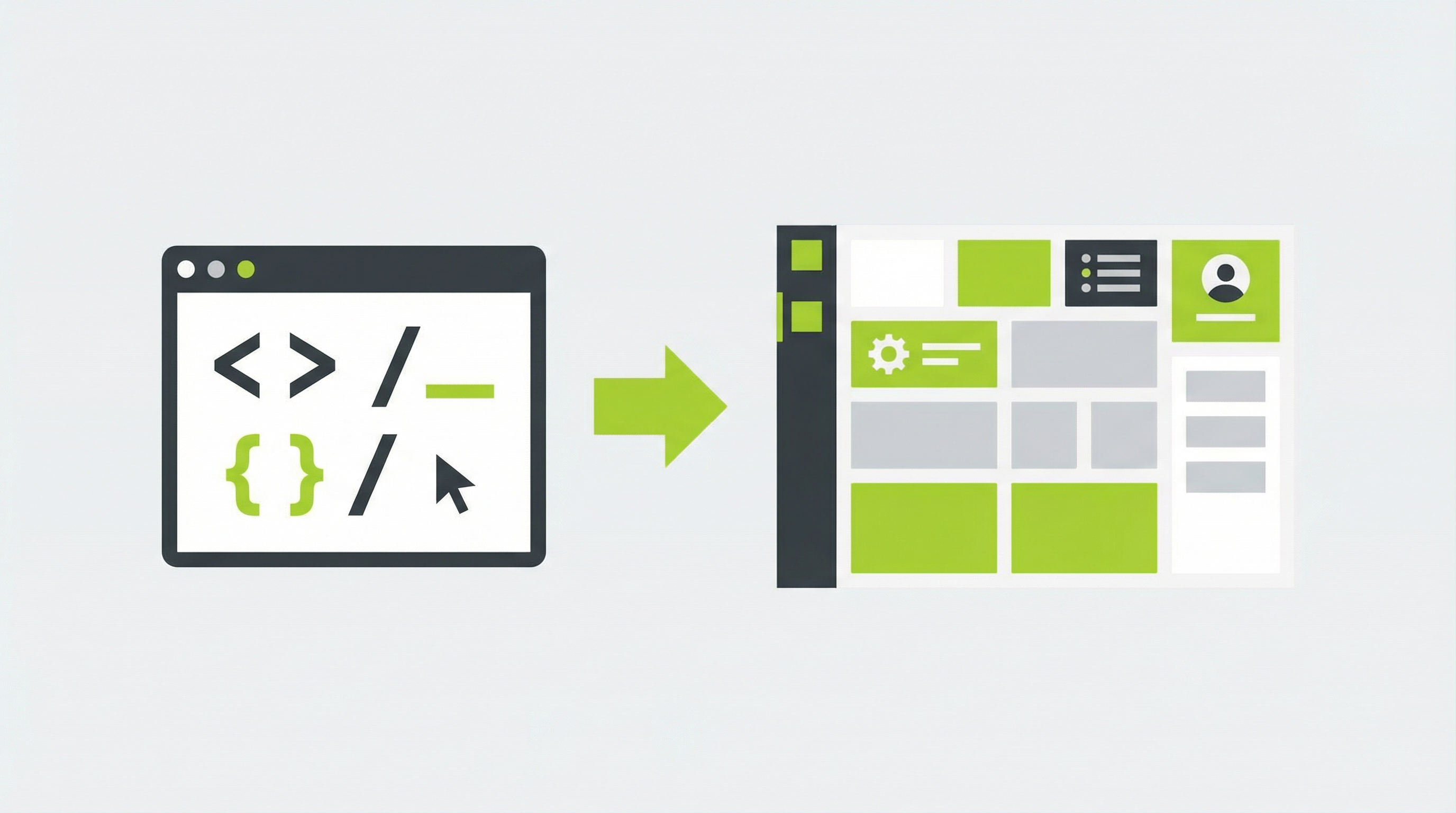
Replit is an incredible platform for rapidly prototyping and building websites directly in your browser. It has democratized web development, allowing creators to bring ideas to life without complex local setups. But a common challenge arises after the initial build: how do you hand over a website built on Replit to a client or a marketing team who needs to manage the content? The answer lies in a Replit to CMS conversion, a process that transforms your static project into a dynamic, easily editable website.
Why Move a Replit Website to a CMS?
While Replit is fantastic for development, the static sites it produces are often difficult for non-developers to manage. Business owners and marketers need the ability to make changes without diving into code. The core limitations of a static Replit site create significant operational bottlenecks. For instance, updating a simple headline or changing a service description requires finding the right file and editing the HTML, a daunting task for most.
Furthermore, the inability to add new pages, such as a blog post or a new portfolio item, stifles growth. Without a Content Management System (CMS), every new piece of content requires a developer's intervention. This also extends to crucial marketing functions. There is often no simple interface for controlling SEO elements like meta titles and descriptions, which are vital for search engine visibility. The lack of plugin support for contact forms, analytics, or e-commerce functionality also limits what the website can do. These issues make client handoffs particularly painful, as they expect a site they can actually use. If your Replit website is not editable [blocked] by your team, it's not a sustainable business asset.
The Challenge of Converting from Replit to a CMS
Transitioning a site from Replit to CMS architecture is not a simple copy-and-paste job. It's a technical process that involves several complex steps. First, you must export the entire codebase from your Replit project. Then, you need to set up a new hosting environment and install a CMS like WordPress. The most intensive part is manually converting the static HTML, CSS, and JavaScript into a dynamic theme that the CMS can understand and manage.
This conversion requires a deep understanding of both front-end code and the specific templating language of the chosen CMS. For anyone looking to convert a static website to a CMS [blocked], the learning curve can be steep and the process fraught with potential errors. It involves dissecting the HTML into reusable parts like headers and footers, integrating dynamic content tags, and ensuring all styles and scripts function correctly within the new environment. This complexity is precisely why a direct Replit to CMS conversion is a job often left to experienced developers.
Full Guide: How to Convert Your Replit Website to a CMS
For those who want to understand the manual process, here is a high-level overview of the steps involved. This guide illustrates the technical effort required to transform your Replit project into a fully functional CMS-powered website.
Step 1: Prepare and Export Your Replit Project
The first step is to finalize your website's design and functionality within the Replit environment. Once you are satisfied, you need to download your project files. Replit allows you to export your entire project as a zip archive. Before proceeding, it's good practice to clean up any unnecessary files or code comments to ensure a smooth transition.
Step 2: Choose and Set Up Your CMS
WordPress is the most popular choice for a CMS due to its flexibility and extensive plugin ecosystem. To use it, you will need to acquire a domain name and a web hosting plan that supports PHP and MySQL. Most hosting providers offer one-click WordPress installation, which simplifies this part of the process significantly.
Step 3: The Manual Conversion Process
This is where the heavy lifting occurs. You will need to take your static HTML files and break them into the template files required by your CMS. For WordPress, this means creating files like header.php, footer.php, sidebar.php, and index.php. You must then replace static content (like text and images) with the appropriate CMS functions that will pull this data from the database, making it editable through the admin dashboard. Properly enqueuing your CSS and JavaScript files is also a critical step to ensure your site looks and works as intended. Learning how to deploy a Replit website properly [blocked] as a static site is one thing, but this conversion is another level of complexity.
The Smarter, Faster Solution: Replit to CMS with ConvertCMS.ai
Instead of navigating the complex, time-consuming, and expensive manual conversion process, there is a far more efficient solution. ConvertCMS.ai is a platform designed specifically to solve this problem. It automates the entire Replit to CMS conversion, turning your static project into a fully editable, professional-grade WordPress theme in minutes.
With ConvertCMS.ai, you simply provide the URL to your Replit project. The platform intelligently analyzes your code, rebuilds it as a dynamic theme, and gives you a downloadable file you can upload directly to your CMS. This means you get all the benefits of a powerful CMS without writing a single line of code or hiring a developer. You can finally give your clients a website they can manage themselves, with full control over text, images, SEO, and the ability to add unlimited pages. It's the seamless bridge from your AI-generated design to a powerful, client-ready website. If you've used other tools, our platform also offers a great Claude HTML to CMS conversion [blocked] process.
If you're tired of your beautiful Replit websites being stuck as uneditable static pages, it's time to make the switch. For just $50/month for individuals or $250/month for agencies, ConvertCMS.ai empowers you to deliver professional, CMS-powered websites effortlessly. Stop letting content management be a bottleneck and start delivering true value to your clients today.