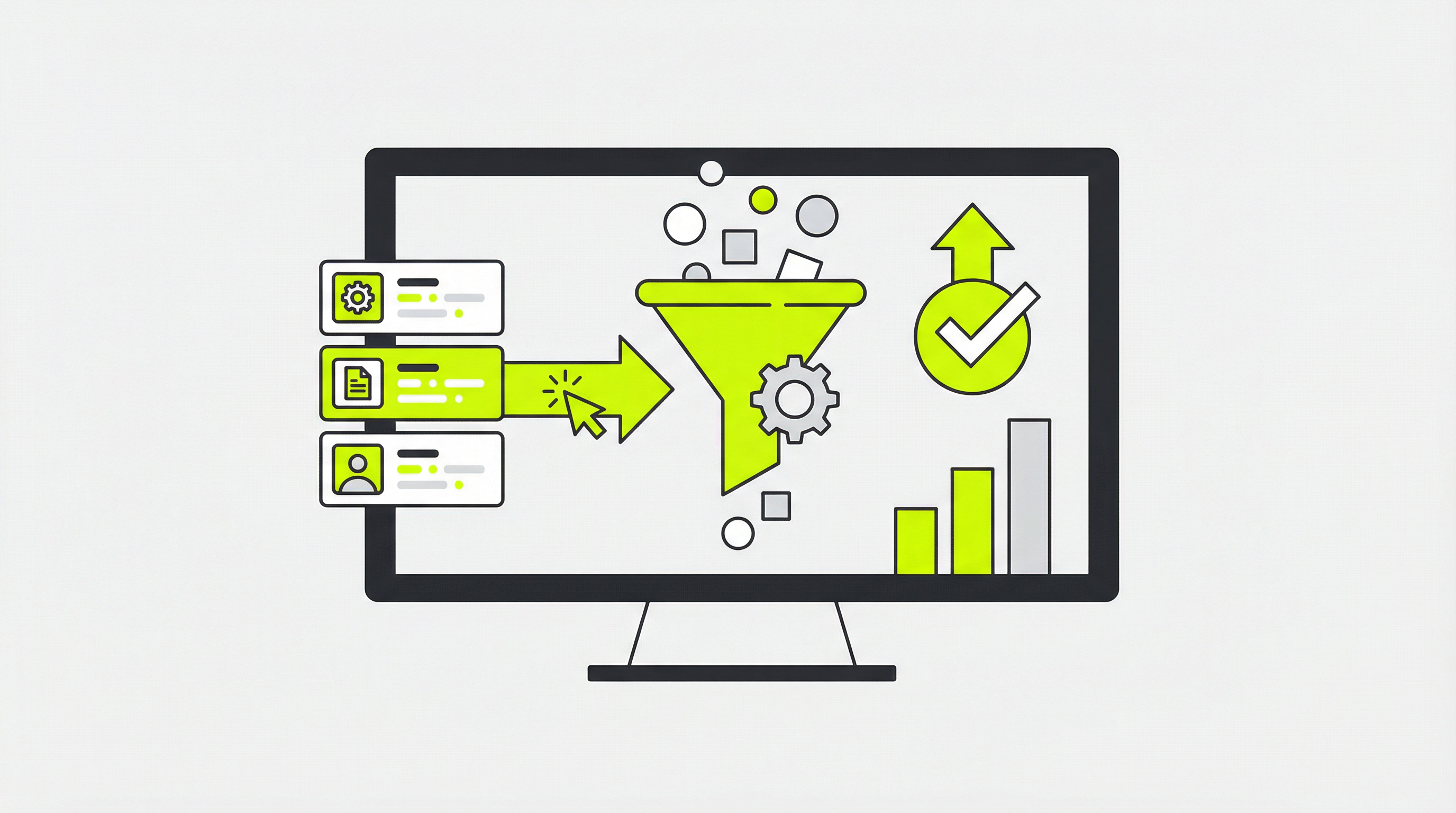
AI website generators are an incredible starting point, offering beautiful designs in minutes. But many users hit a frustrating wall when they try to edit an AI generated website. What seems like a simple task, such as updating text or adding a new page, can become a technical nightmare. This is a common problem that leaves business owners feeling stuck with a website they can't fully control or update.
Why You Can't Directly Edit Most AI-Generated Websites
The core of the issue lies in how AI website builders generate their output. Tools like Midjourney, v0.dev, or even ChatGPT produce static HTML and CSS code. This code is like a fixed snapshot of your site. It’s not connected to a content management system (CMS) that allows for easy updates. Without a CMS, every small change requires manually editing the code, a task that is impractical for most business owners and marketers. This lack of an AI website editing interface means you have no control over your site's content, SEO, or functionality.
This becomes a major roadblock when you need to hand the site off to a client or your marketing team. They expect a user-friendly backend where they can manage content, but instead, they get a folder of code files. This is where the dream of a quick AI-generated site turns into a real-world problem, as your AI site not editable status prevents you from running your business effectively.
How to Make an AI Website Editable
So, how do you break free from this static code and gain full control over your website? The solution is to convert the AI-generated design into a fully functional CMS theme. Here’s a step-by-step guide to making your AI generated website truly yours.
Step 1: Export Your AI Design
First, get the complete HTML, CSS, and image assets from your AI generator. This will usually be a ZIP file containing all the necessary code and files that make up the visual part of your website. Make sure you have all the components, as this forms the foundation of your new, editable site.
Step 2: Choose a Content Management System (CMS)
Next, you need to decide which CMS you want to use. WordPress is the most popular choice, powering over 40% of the web, due to its flexibility and vast ecosystem of plugins. A good CMS will provide the backend you need to manage pages, blog posts, and settings without touching a line of code. This is a crucial step if you want to turn your AI design into a real, functional website [blocked].
Step 3: Convert the Code into a CMS Theme
This is the most critical and technical step. The static HTML and CSS code must be converted into the theme structure of your chosen CMS. For WordPress, this means breaking the HTML into PHP template files, enqueueing stylesheets, and making sure the design is responsive. This process is what makes an AI generated website editable. For those who aren't developers, this is where a specialized service becomes essential.
Step 4: Integrate with the CMS Backend
Once the theme is created, you need to integrate it with the CMS. This involves setting up editable content fields for text, images, and other elements. This is what allows you to, for example, make your AI website editable without needing to code [blocked] in the future. The goal is to have a seamless experience where you can log in and make changes easily.
Pro Tips for a Smooth Transition
To ensure your transition is successful, keep a few things in mind. Always back up your original AI-generated files. When choosing a CMS, consider your long-term needs, such as e-commerce or membership features. And if you're working with a platform like ChatGPT, understanding how to properly convert that specific output to WordPress [blocked] can save you a lot of headaches.
Many people wonder why AI websites are not editable by default [blocked], and it really comes down to the difference between a design and a dynamic website. An AI gives you the former, but you need a service to build the latter.
The Ultimate Solution: ConvertCMS.ai
Feeling overwhelmed by the technical steps? You’re not alone. The process to edit an AI generated website can be complex and time-consuming. That’s why we created ConvertCMS.ai. We specialize in converting static AI-generated websites from any platform—including ChatGPT, Claude, Lovable, and v0.dev—into fully editable WordPress themes.
For just $50/month for individuals or $250/month for agencies, we handle the entire conversion process for you. You get a pixel-perfect, editable website without writing a single line of code. Stop feeling trapped by a static design and take back control of your online presence. Let ConvertCMS.ai bridge the gap between your AI design and a powerful, easy-to-manage website.