How to Convert v0.dev Website to WordPress
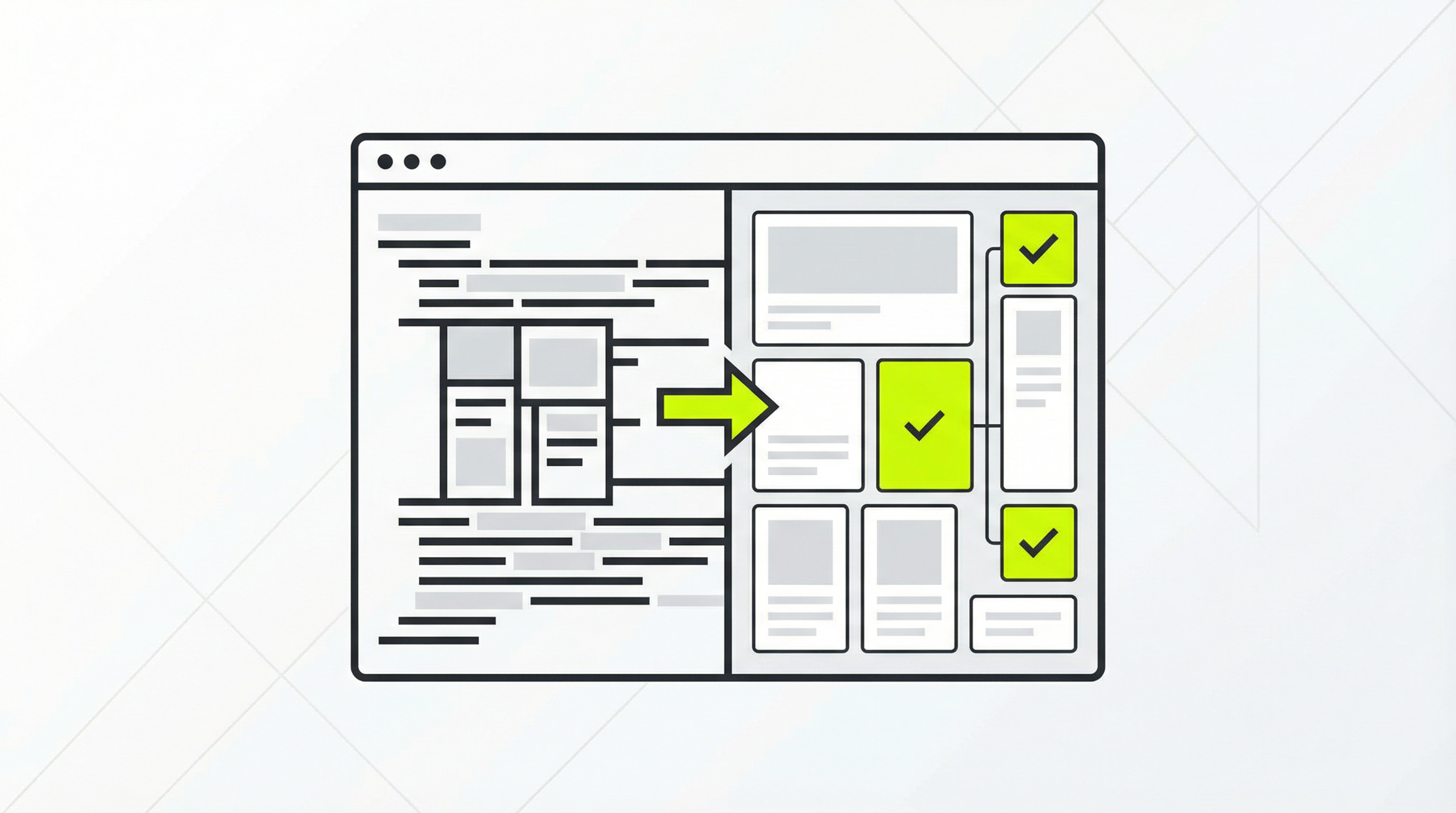
You’ve just created a stunning website layout with v0.dev, Vercel’s generative UI tool. The design is crisp, the user experience is intuitive, and it was generated in minutes. But now you face a new challenge: turning that beautiful, static design into a fully functional WordPress website that you or your clients can easily manage. This is where the process of converting a v0.dev to WordPress site begins, a task that can seem daunting but is crucial for long-term success. Many agencies and business owners are discovering that while AI can generate the front-end, a robust content management system is non-negotiable for a living, breathing website. Without a proper CMS, you re stuck with a site that’s difficult to update, impossible for clients to edit, and lacks the dynamic functionality of a true CMS. The initial excitement of rapid prototyping gives way to the harsh reality of managing a static HTML site, where even a simple text change requires developer intervention.
The Static Site Dilemma
AI tools like v0.dev are revolutionary for visual design and layout, but they produce just that: a visual layer. The output is typically a set of HTML, CSS, and JavaScript files. This is perfect for a proof-of-concept but falls short for a real-world business website. The core of the problem is the absence of a database and a user-friendly backend. You can’t just log in and add a new blog post, update a product price, or change a team member’s bio. Every modification means editing the source code, which is a major bottleneck.
This creates significant challenges, especially for agencies handing off sites to clients. Business owners expect to have control over their own content. They want to be able to add new pages, manage their SEO settings, and integrate plugins for added functionality like e-commerce or contact forms. A static v0.dev site offers none of this. The client is left completely dependent on the developer for every minor update, which is inefficient and frustrating for everyone involved. This is a common reason why a v0.dev to WordPress conversion becomes a necessity.
Why WordPress is the Answer
WordPress powers over 43% of all websites on the internet for a reason. It’s a powerful, flexible, and user-friendly CMS that puts content management back in the hands of the user. By converting your v0.dev design to a WordPress theme, you unlock the full potential of your website. You get a media library, a post editor, user roles, and a vast ecosystem of plugins that can extend your site’s capabilities in countless ways.
Imagine your client being able to create a new landing page for a marketing campaign without writing a single line of code. Picture them optimizing their own page titles and meta descriptions to improve their search engine rankings. This is the power that WordPress provides. It transforms your beautiful but rigid AI-generated design into a dynamic, scalable, and easy-to-manage marketing asset. The process of moving from v0.dev to WordPress is about future-proofing your website and empowering its owner.
How to Convert Your v0.dev Design to a WordPress Theme
Converting a static design into a dynamic WordPress theme is a multi-step process that traditionally requires development expertise. Here’s a simplified overview of the steps involved:
-
Analyze the v0.dev Output: Start by examining the HTML, CSS, and JavaScript files generated by v0.dev. Identify the repeating sections that will become theme components, such as the header, footer, and sidebars. You can learn more about this initial stage by understanding how to turn a static design into a real, editable website [blocked].
-
Structure Your Theme Files: A WordPress theme has a specific file structure. You’ll need to create files like
index.php,header.php,footer.php, andstyle.css. You will then break apart your static HTML and place the corresponding code into these PHP files. This is a foundational step in any HTML to WordPress conversion [blocked]. -
Incorporate WordPress Functions: This is where the magic happens. You’ll replace static content with WordPress template tags and functions. For example, instead of a hardcoded site title, you’ll use
<?php bloginfo('name'); ?>. This allows the site owner to change the title from the WordPress admin panel. This step is crucial and often where developers run into issues, similar to the challenges faced when trying to make a v0.dev website editable [blocked]. -
Enqueue Styles and Scripts: You must properly load your CSS and JavaScript files using the
wp_enqueue_style()andwp_enqueue_script()functions in your theme’sfunctions.phpfile. This ensures that your theme’s assets are loaded correctly and efficiently, without conflicting with plugins. -
Create Editable Content Areas: The final and most important step is making the content itself editable. This involves using WordPress’s block editor (Gutenberg) or custom fields to create flexible content areas. This allows the user to edit text, swap out images, and rearrange sections without touching the code. This is a common requirement, much like when users want to convert a Lovable website to WordPress [blocked] for better content management.
The Ultimate Shortcut: ConvertCMS.ai
Reading through those steps, you might be thinking that the process is complex, time-consuming, and requires a deep understanding of both front-end code and WordPress development. You’re right. This is precisely the problem that ConvertCMS.ai was built to solve. We automate the entire v0.dev to WordPress conversion process, saving you dozens of hours of tedious development work.
With ConvertCMS.ai, you simply provide your AI-generated website files, and our platform intelligently analyzes the structure, breaks it down into reusable components, and converts it into a fully editable, high-quality WordPress theme. You get all the benefits of a custom-coded theme—performance, flexibility, and control—without the high cost and long timeline of manual development. Our service is perfect for agencies that need to deliver professional, client-friendly websites at scale, and for individuals who want to take their AI-generated designs to the next level.
Stop struggling with static files and client handoff nightmares. Let ConvertCMS.ai bridge the gap between your AI design and a powerful, manageable WordPress website. Get started today for just $50/month for individuals or $250/month for agencies, and experience the future of web development. Your journey from v0.dev to WordPress has never been easier.