How to Convert Lovable Website to WordPress
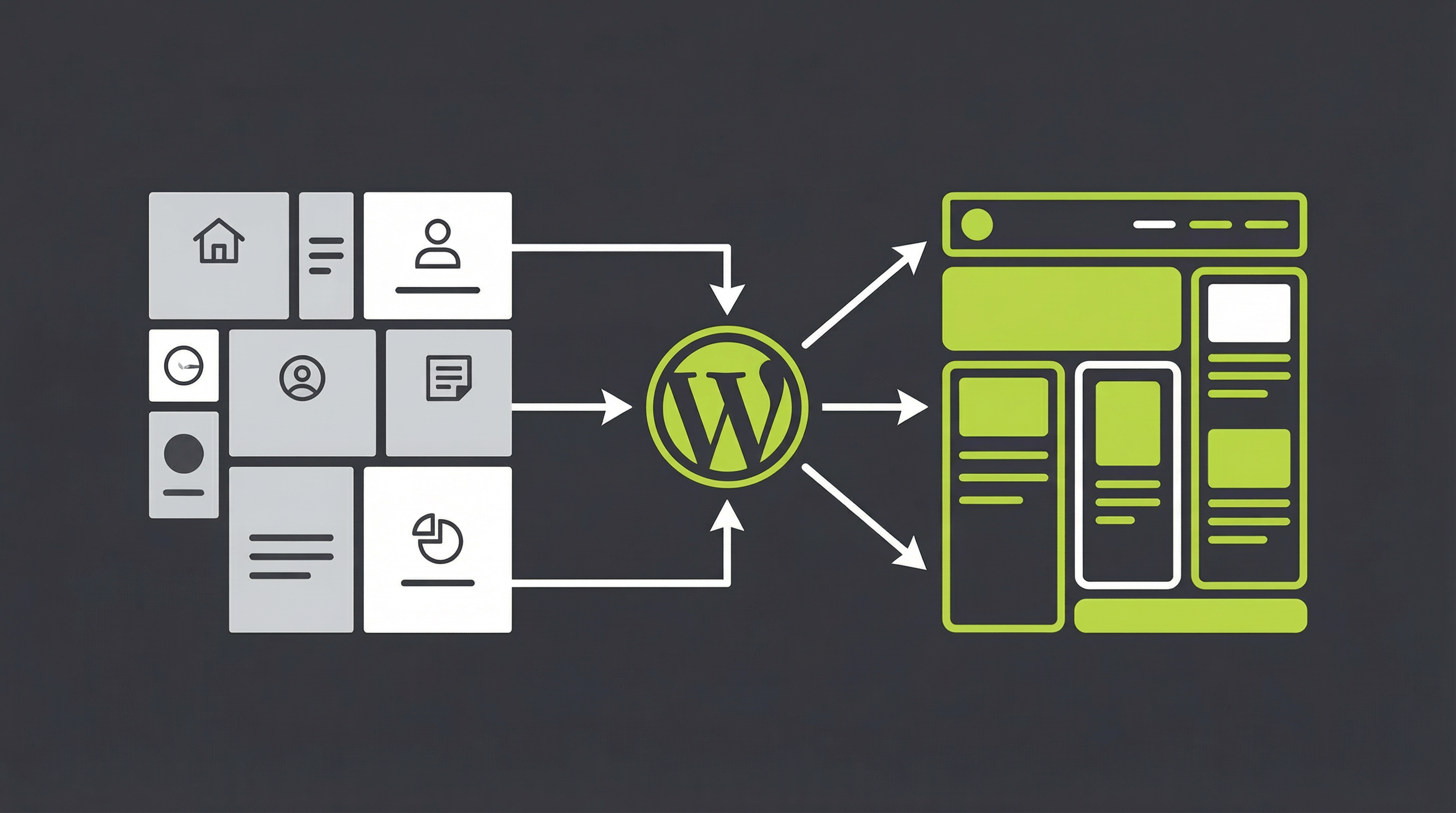
Lovable is an impressive AI website builder that can generate stunning designs in minutes. With just a few prompts, you have a visually appealing starting point for your online presence. But what happens when the initial excitement wears off and you need to actually run your business? You quickly discover that your beautiful website is essentially a digital sculpture: rigid, difficult to change, and lacking the dynamic capabilities a growing business needs. This is a common frustration and the primary reason why so many users look for a way to convert their Lovable to WordPress. The process might seem daunting, but it is the single most important step you can take to unlock the true potential of your AI-generated design.
Why a Static Lovable Site Holds You Back
The core issue is that AI builders like Lovable, and similar tools like Bolt, often produce static HTML websites. While they look great, they are not built for growth. Business owners and marketers frequently run into a wall when they try to perform basic tasks. You might find that you cannot update a simple line of text without diving into code, or that adding a new service page is impossible. There is no user-friendly dashboard for content management, no control over your SEO metadata, and no way to integrate essential marketing plugins. Handing off a static site to a client is also a major challenge, as they expect a simple backend to manage their own content. A business website cannot be a static brochure; it must be a living, evolving asset. This is why a Lovable to WordPress conversion is not just a technical upgrade, but a strategic business decision. For those struggling with uneditable designs, understanding the fix is the first step, a topic we explore in our guide to fixing uneditable Lovable websites [blocked].
The Path from Lovable to a Fully Editable CMS
Transitioning your site from a static design to a powerful content management system is a structured process. While it involves technical steps, understanding the workflow reveals why it is so transformative. The goal is to take the unique design you created with Lovable and infuse it with the power and flexibility of WordPress, the world’s most popular CMS. This journey from a static to a dynamic site is similar in principle to a standard HTML to WordPress conversion [blocked], but with specifics related to AI-generated code.
Step 1: Export Your Lovable Website Files
First, you need to get the raw materials from Lovable. This involves exporting your website as a collection of HTML, CSS, and JavaScript files. These files contain the complete visual and structural information of your site. Think of this as gathering the blueprints and raw materials before you can start building a functional house. This package of code is the foundation upon which your new WordPress theme will be built.
Step 2: Set Up Your WordPress Foundation
With your files in hand, the next step is to establish a new home for your website. This requires a domain name and a web hosting plan that supports WordPress. Once you have your hosting, you will perform a one-click installation of WordPress. This creates a blank canvas, a powerful but empty CMS waiting for your design to be integrated. It is the backend engine that will soon power your entire site.
Step 3: Structuring the WordPress Theme
This is where the real conversion begins. Your static HTML file must be deconstructed into the modular components that WordPress understands. This means creating separate PHP files like header.php for the top section of your site, footer.php for the bottom, and page.php for your main content area. This modular structure is what allows you to make site-wide changes from a single location, a core benefit of using a CMS. The process is similar for other AI tools, as we detail in our guide on exporting Bolt websites to a CMS [blocked].
Step 4: Making Content Dynamic
Once the theme files are structured, you must replace the static, hard-coded text and images from your Lovable design with dynamic WordPress functions. For example, a static navigation menu is replaced with a WordPress menu that you can edit from the admin dashboard. The static text on your pages is replaced with a content loop that pulls information directly from the WordPress editor. This is the crucial step that transforms your site from uneditable to fully manageable by you or your clients.
The Smarter, Faster Way: ConvertCMS.ai
As you can see, a manual Lovable to WordPress conversion is a complex, time-consuming, and technical process. It requires a deep understanding of web development, PHP, and the WordPress theme architecture. For business owners and agencies, the time and resources required for a DIY conversion are often better spent on growth and client work. This is precisely the problem ConvertCMS.ai was built to solve.
ConvertCMS.ai is a service dedicated to converting AI-generated websites into fully editable, high-quality WordPress themes. We handle the entire technical process for you. Simply provide us with your Lovable site, and our platform and expert team will deliver a premium, editable WordPress theme in a fraction of the time it would take to do it manually. You get all the benefits of a custom Lovable to WordPress theme without any of the technical headaches. This approach is also ideal for converting sites from other AI platforms, as we discuss in our article on moving from a ChatGPT-built site to WordPress [blocked].
Stop letting a static website limit your potential. With ConvertCMS.ai, you can keep the stunning design you created with Lovable and gain the powerful, user-friendly backend you need to grow your business. For just $50 for a single site or $250 for agency-level plans, you can finally have a website that is both beautiful and functional. Let us handle the Lovable to WordPress conversion so you can get back to what you do best. Visit ConvertCMS.ai today to get started.