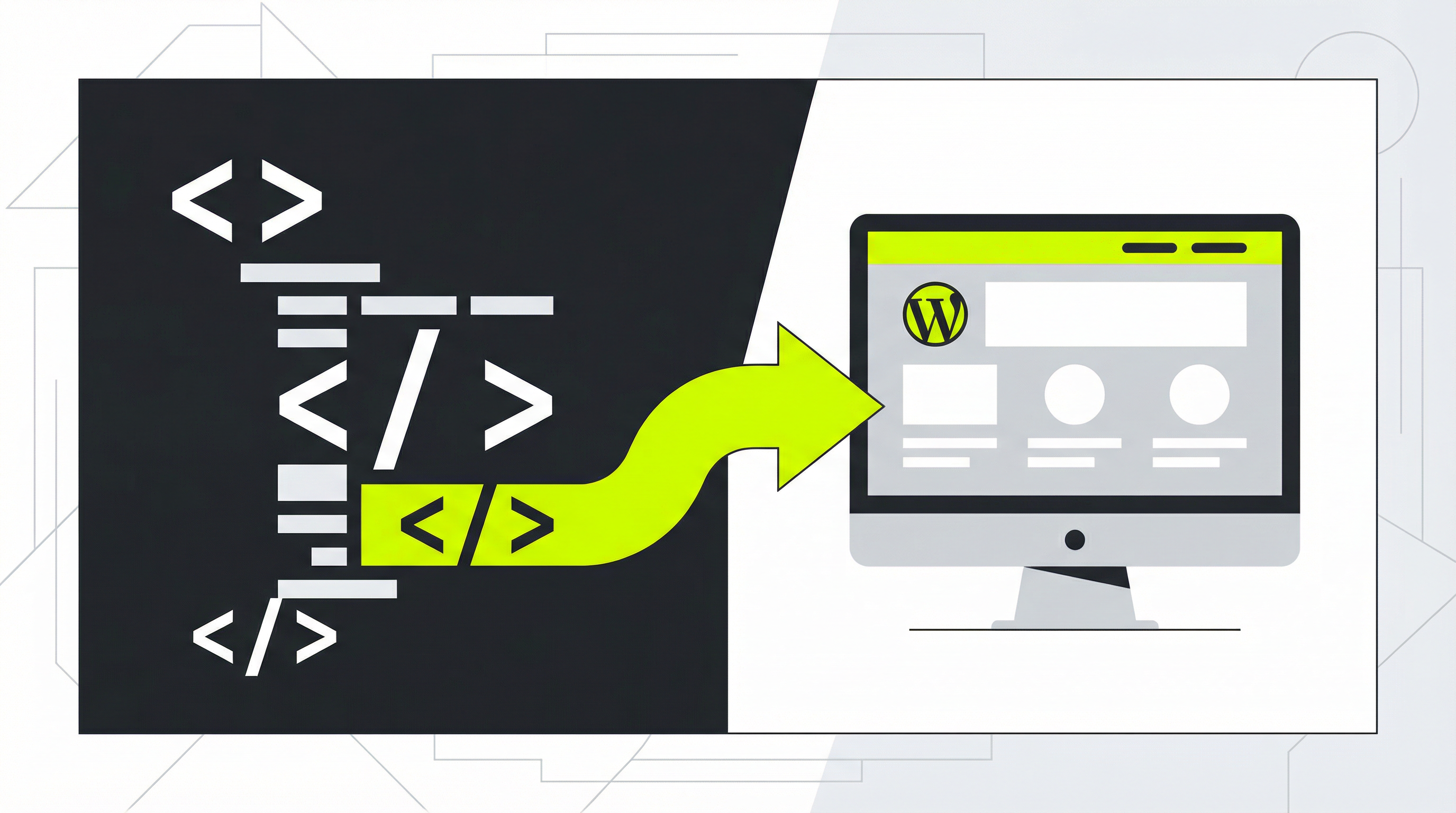
You have a website for your business, but updating it is a constant headache. Maybe you or your developer built it with static HTML, and now you're stuck. You can't change the text on your services page, add a new blog post, or update your pricing without digging into code. This is a common problem, and the best solution is often to convert HTML to WordPress. This transition unlocks a world of easy content management and powerful features that can help your business grow.
Why Move from a Static Site to a Dynamic CMS?
The initial appeal of a static HTML website is its simplicity and low cost. However, as your business evolves, this simplicity becomes a major limitation. The core issue is the lack of a Content Management System (CMS). Without one, every minor update requires manual coding. This is not just inefficient; it actively hinders your marketing efforts. You lose the ability to quickly react to market changes, run promotions, or publish fresh content to attract search engine traffic.
Making the switch from HTML to WP is about reclaiming control over your online presence. WordPress powers over 40% of the web for a reason. It separates your website's content from its design, meaning you can add new pages, upload images, or make your static website editable [blocked] through a user-friendly interface. This is a fundamental shift from the rigid structure of static HTML, empowering you to manage your site without needing a developer for every little thing. The move from a static to WP setup is a strategic business decision for long-term scalability.
How to Manually Convert HTML to WordPress
Understanding the process of a manual conversion helps illustrate why an automated solution is often preferable. While it provides the ultimate customization, it's a technical and time-consuming task. If you're considering this path, it's helpful to know what's involved and why it's a significant project. For many, learning how to convert a static website to a CMS [blocked] is the first step toward a more manageable online presence.
Here is a simplified overview of the steps involved:
-
Set Up a WordPress Environment: First, you need a place to build your new site. This involves installing WordPress on a web server or a local machine. You'll create a database and configure the basic WordPress settings.
-
Create a New Theme: In your WordPress installation, you'll create a new folder for your theme. This theme needs essential files like
style.css(to declare the theme name) andindex.php(the main template file). -
Deconstruct Your HTML: You must break your existing
index.htmlfile into smaller, reusable PHP files. Typically, this means creatingheader.phpfor the top section of your site,footer.phpfor the bottom section, andsidebar.phpif you have one. This modular approach is the foundation of WordPress themes. -
Integrate WordPress Template Tags: This is the most crucial step. You need to replace the static content in your new PHP files with WordPress functions. For example, you'll use
<?php get_header(); ?>at the top ofindex.phpand replace your page's main content with<?php the_content(); ?>. This tells WordPress where to dynamically insert content from the admin dashboard. -
Upload and Activate: Once your files are ready, you upload the theme folder to your WordPress installation's
wp-content/themesdirectory. Then, you can activate it from the WordPress admin panel. This is often just the beginning, as you'll likely need to troubleshoot CSS issues and ensure all your old content is properly migrated.
The Challenges of a Manual Conversion
As you can see, the manual process to convert HTML to WordPress is complex. It requires a solid understanding of HTML, CSS, and PHP. For business owners and marketers, this is a significant barrier. A small mistake in the code can break your entire website, leading to frustrating downtime. Furthermore, what about websites generated by AI tools? The process to convert a ChatGPT-created website to WordPress [blocked] follows the same complex steps.
Beyond the technical hurdles, you face issues with client handoffs and future updates. A manually coded theme might make sense to the developer who built it, but it can be a nightmare for a client to manage if not done perfectly. This is why finding the best way to convert HTML to an editable website [blocked] is so important for agencies and freelancers. You need a solution that is both powerful and easy for non-technical users to handle.
The Effortless Solution: ConvertCMS.ai
Instead of spending weeks wrestling with code and risking errors, you can convert HTML to WordPress in minutes with ConvertCMS.ai. Our platform was built specifically to solve this problem. We take your AI-generated or static HTML website and automatically convert it into a fully editable, high-quality WordPress theme. There's no coding required.
You get all the benefits of a professional CMS without the steep learning curve or development costs. For just $50/month, individuals can manage their sites with ease. For agencies managing multiple client projects, our $250/month plan provides a scalable and reliable workflow. Stop struggling with static files and unlock the full potential of your website. Try ConvertCMS.ai today and experience the freedom of a truly editable website.