How to Convert a Cursor Website to WordPress
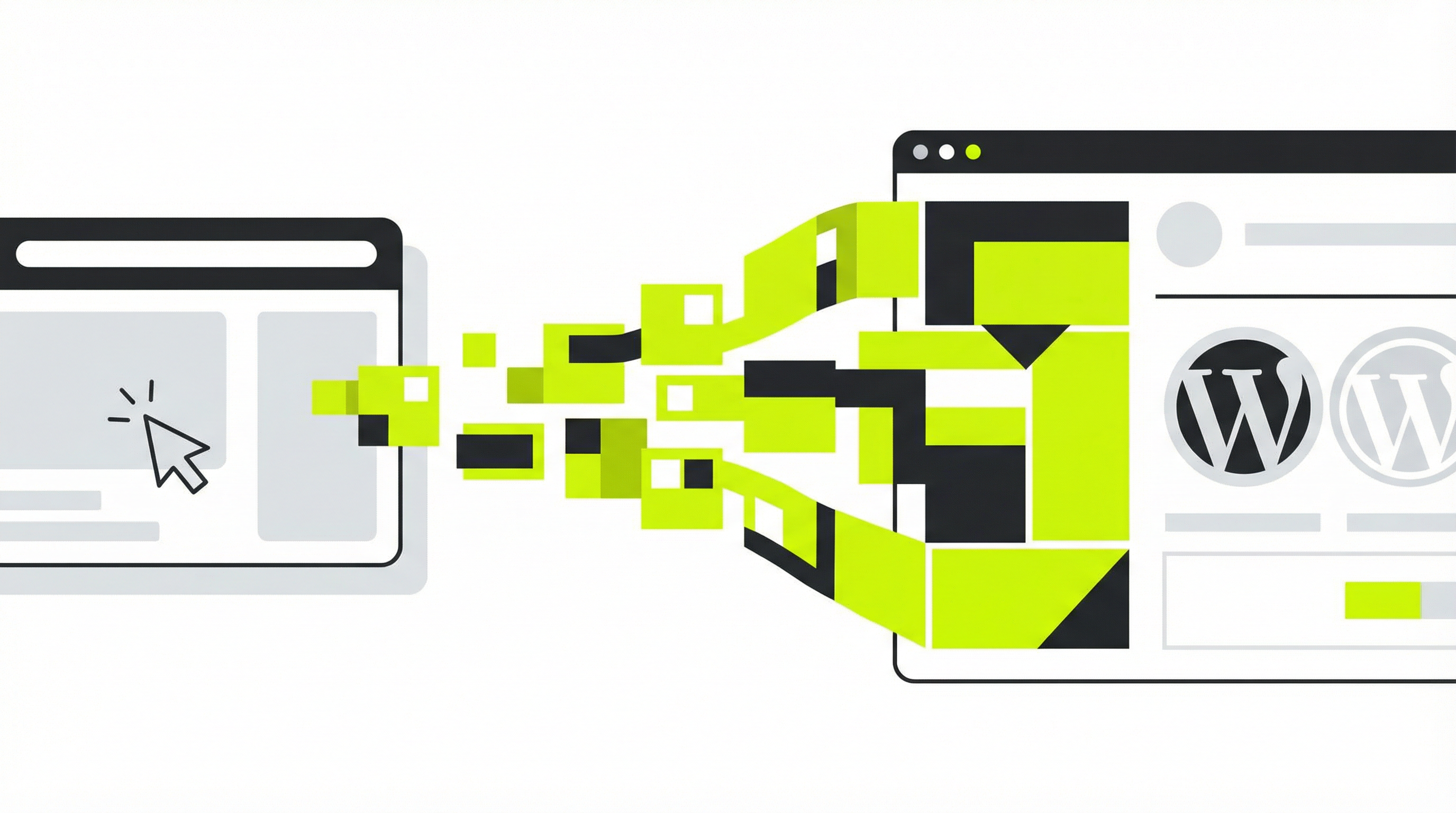
Cursor is an exciting AI-powered code editor that can generate impressive website designs from a simple prompt. It's a fantastic tool for rapidly prototyping layouts and exploring visual ideas. However, many users hit a wall when they try to move from that initial design to a fully functional, manageable website. The static HTML and CSS that Cursor produces isn't a real website; it's a picture of one. You can't easily update the text, add new pages, or hand it off to a client who needs to manage the content themselves. To do that, you need to convert your Cursor website to WordPress. This article will guide you through why this conversion is essential and how to do it effectively.
Why a Static Website Isn't Enough
The websites generated by AI tools like Cursor, ChatGPT, or Claude are typically composed of static HTML, CSS, and JavaScript files. This means the content is hard-coded directly into the files. If you want to change a headline or update a product description, you have to dig into the code and edit it manually. This presents several major problems for any serious business website. First, it creates a significant bottleneck, as any content update requires a developer. Second, it offers no scalability; adding a new blog post or a portfolio piece means creating a new HTML file from scratch. Finally, there's no control over SEO on a page-by-page basis and no way to integrate powerful marketing or e-commerce plugins that businesses rely on.
This is why so many promising AI-generated designs end up abandoned. The initial excitement fades when faced with the technical hurdles of making the site truly functional. For a website to be a living asset for your business, it needs a Content Management System (CMS) like WordPress. A CMS separates content from design, allowing you or your clients to manage the site through a user-friendly interface without ever touching a line of code. This is a common challenge, and learning how to properly deploy a site from a development environment like Replit [blocked] often reveals these same limitations.
How to Convert a Cursor Website to WordPress: The Step-by-Step Process
Transitioning a Cursor website to WordPress involves transforming the static code into a dynamic theme. While the manual process is complex, understanding the steps helps clarify why an automated solution is so valuable.
Step 1: Set Up a Local WordPress Environment Before you can do anything, you need a working WordPress installation on your computer. This involves setting up a local server stack (like XAMPP or MAMP), creating a database, and installing the latest version of WordPress.
Step 2: Structure Your Theme Files
A WordPress theme requires a specific file structure. At a minimum, you'll need index.php, style.css, header.php, footer.php, and functions.php. You must take the HTML generated by Cursor and break it apart. The header section goes into header.php, the footer into footer.php, and the main content area will be part of index.php.
Step 3: Add WordPress PHP Tags
Next, you need to replace static content with WordPress template tags. For instance, <?php bloginfo('name'); ?> is used to display the site title, and <?php wp_head(); ?> and <?php wp_footer(); ?> are essential tags for plugins to function correctly. The core of your content will be replaced by "The Loop" (<?php if ( have_posts() ) : while ( have_posts() ) : the_post(); ?>...<?php endwhile; endif; ?>), which is how WordPress dynamically displays posts and pages.
Step 4: Make Content Editable with Custom Fields or Blocks This is often the most challenging part. To make text, images, and other content editable from the WordPress admin, you need to implement Advanced Custom Fields (ACF) or create custom Gutenberg blocks. This requires significant PHP knowledge and can be very time-consuming. It's the crucial step that turns a static template into a manageable system, and it's often where projects stall, a problem also seen when trying to convert a basic HTML site to WordPress [blocked].
Step 5: Enqueue Styles and Scripts
The CSS and JavaScript files from your Cursor design must be properly loaded by WordPress. This is done through a process called "enqueuing," which you manage in your functions.php file. This ensures your site's styling and interactivity work correctly without conflicting with plugins.
As you can see, the manual process is not for the faint of heart. It requires a deep understanding of both front-end code and WordPress PHP development. The complexity is why many find their Cursor website is not editable [blocked] and feel stuck.
The Smart Solution: Automate the Conversion with ConvertCMS.ai
Instead of spending days or weeks wrestling with code, you can automate the entire process. ConvertCMS.ai was built specifically to solve this problem. Our platform intelligently analyzes the static HTML, CSS, and JavaScript from your Cursor-generated site, converting it into a fully editable, premium-quality Cursor website to WordPress theme in minutes.
With ConvertCMS.ai, you bypass the entire manual workflow. You simply upload your generated files, and our AI-powered engine handles the file structuring, adds the necessary PHP tags, makes content editable through a user-friendly interface, and properly enqueues all your assets. You get a professional, client-ready WordPress theme without writing a single line of PHP. This allows you to leverage the creative speed of AI tools like Cursor and even ChatGPT for web design [blocked] while relying on our platform for the heavy technical lifting.
Pro Tips for a Smooth Conversion
To ensure the smoothest transition from your Cursor website to WordPress, it helps to start with a clean foundation. When prompting Cursor to generate your site, aim for well-structured, semantic HTML. Use standard tags like <header>, <footer>, <main>, and <section> to organize your content. The cleaner and more logical your initial code, the more accurately and effectively ConvertCMS.ai can interpret it and build your theme. Think of the AI as your initial designer and our platform as your expert developer. You guide the creative vision, and we handle the technical execution. This workflow allows you to leverage the speed of AI for design and the power of ConvertCMS.ai for production, creating a repeatable process for launching professional websites in a fraction of the time.
Take Control of Your AI-Generated Websites
Don't let the limitations of static HTML hold you back. ConvertCMS.ai empowers you to turn your AI-generated designs into powerful, dynamic WordPress websites. Stop getting stuck in the prototype phase and start delivering professional, manageable sites to your clients. For individuals, our plan is just $50/month, and for agencies managing multiple projects, it's $250/month. Sign up for ConvertCMS.ai today and unlock the full potential of your Cursor website to WordPress workflow.