How to Convert a ChatGPT Website to WordPress
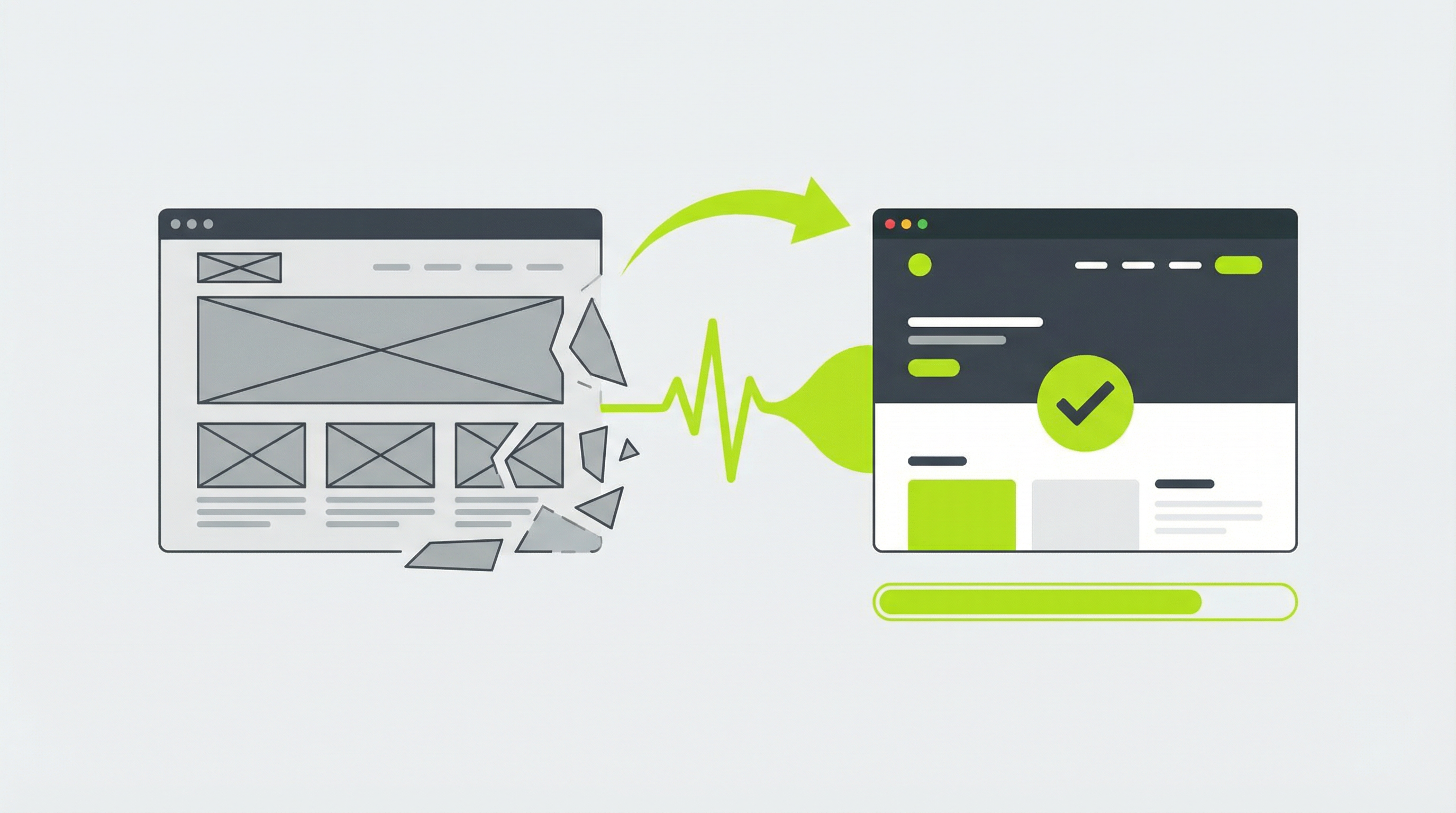
''' AI tools like ChatGPT have made it incredibly simple to generate the code for a website in minutes. You can describe the layout, style, and content you want, and the AI will produce the HTML and CSS to match. However, taking that raw code and turning it into a fully functional, editable website is a whole different challenge. Many business owners and marketers are excited by the prospect of using AI for web design, only to find themselves stuck with a static site they can't easily update. This guide will walk you through the process of converting a ChatGPT website to WordPress, giving you full control over your online presence.
Why a Static HTML Site Isn't Enough
The website code you get from ChatGPT is typically a set of static HTML and CSS files. While it might look great in a browser, it comes with significant limitations. The biggest issue is that a ChatGPT-generated website is often not easily editable [blocked]. To change a single word of text, you need to open the HTML file, find the right line of code, and manually make the change. This isn't practical for running a business where you need to update content, add new pages, or publish blog posts regularly.
This static nature creates several other problems. You have no control over your website's SEO, you can't add powerful features with plugins, and handing the site off to a client becomes a technical support nightmare. You need a Content Management System (CMS) like WordPress to truly own and manage your website effectively. A CMS separates your content from the design, allowing you to log in to a user-friendly dashboard and make changes without ever touching a line of code. The process of turning your AI-generated design into a proper CMS theme is the crucial next step.
Converting Your ChatGPT Website to WordPress: The Manual Way
If you have some technical skills and are willing to get your hands dirty, you can manually convert your AI-generated site into a WordPress theme. This process gives you a deep understanding of how WordPress works, but it can be complex and time-consuming. For those interested in the technical details, learning how to convert HTML to a WordPress theme [blocked] is a valuable skill.
Here’s a simplified overview of the steps involved:
-
Prepare Your Code: Start by organizing the HTML and CSS files you received from ChatGPT. Ensure the code is clean, well-structured, and that your website looks correct when you open the HTML file in a browser.
-
Create a Theme Folder: In your local WordPress installation, navigate to the
wp-content/themesdirectory and create a new folder for your theme. This folder will hold all your theme files. -
Break Up the HTML: A WordPress theme is made of several template files. You'll need to split your single HTML file into multiple PHP files. Typically, this includes
header.phpfor the top section of your site,footer.phpfor the bottom section, andindex.phpfor the main content area. -
Add WordPress Functions: This is the most critical step. You need to replace the static content in your HTML with WordPress PHP functions. For example, you’ll use
<?php bloginfo('name'); ?>for your site title and<?php the_content(); ?>to display your page content. This is what makes your theme dynamic. -
Enqueue Your Stylesheet: To properly load your CSS file, you need to add a function to your theme's
functions.phpfile that "enqueues" the stylesheet. This tells WordPress to load your design assets correctly.
While this process is feasible, it’s filled with potential pitfalls for anyone who isn’t a developer. A single misplaced bracket or incorrect function call can break your entire site. This complexity is why a direct ChatGPT website to WordPress conversion tool is so valuable.
The Smarter, Faster Solution: ConvertCMS.ai
Manually converting your site is a great learning experience, but it's not an efficient workflow, especially for agencies or businesses that want to move quickly. The manual process is slow, error-prone, and requires a level of technical expertise that most marketers and business owners simply don't have. After you've gone through the work of creating the theme, you still need to figure out how to deploy your ChatGPT-generated website [blocked] to a live server.
This is precisely the problem ConvertCMS.ai was built to solve. Our platform takes the beautiful website designs generated by AI tools like ChatGPT, Claude, and v0.dev and automatically converts them into fully editable, premium-quality WordPress themes. There's no code to write and no complex steps to follow. You simply provide the AI-generated output, and our service handles the entire conversion process for you.
With ConvertCMS.ai, you can finally bridge the gap between AI design and real-world usability. You get a professional, easy-to-manage website without the headache of manual coding. This allows you to focus on what you do best: creating great content and growing your business. For those looking for a seamless way to move from a static design to a dynamic platform, a ChatGPT website export to a CMS [blocked] is the ideal solution.
Stop struggling with static HTML files and unlock the full potential of your AI-generated designs. ConvertCMS.ai offers plans for individuals at just $50 per month and for agencies at $250 per month, making it an affordable and powerful solution for everyone. Take the final step and transform your ChatGPT website to WordPress today with ConvertCMS.ai. '''