You’ve spent hours prompting, refining, and perfecting your website design with Claude, and the result looks fantastic. You use the export function, excited to get your new site online, only to hit a frustrating wall. The files are on your computer, but what do you do next? This is a common roadblock for many who are new to the Claude website export process. You have the visual design, but it’s not a living, editable website yet. It’s a static snapshot, and making any changes requires diving into code, which is often a non-starter for business owners and marketers.
The Core of the Claude Website Export Problem
The fundamental issue with a standard Claude website export is that it provides you with static HTML and CSS files. While these files perfectly replicate the design you created, they don't function like the dynamic websites you're used to. Think of it as receiving a beautiful, high-resolution photograph of a car instead of the car itself. It looks the part, but it can't take you anywhere. This static nature is the source of many pain points, leaving you with a site that's essentially uneditable in any practical way [blocked].
You quickly discover you can't update a simple line of text without sifting through code files. There's no intuitive dashboard to add a new blog post or create a new service page. Furthermore, critical business functions like SEO management and plugin support are completely absent. This can be a major setback, especially when you were hoping for a quick and easy way to launch a professional web presence. The initial excitement of AI-powered design gives way to the harsh reality of a website that is functionally frozen in time.
Why Does This Happen? A Look at Static vs. Dynamic Websites
So, why doesn't the Claude website export just give you a fully functional site? The answer lies in the difference between static and dynamic content. Claude, as an advanced AI, is a master of generating content, including the code that structures and styles a webpage (HTML and CSS). However, it is not a Content Management System (CMS). It produces a fixed, or static, version of your site. Each page is a separate, hand-coded file. To change a footer on a five-page site, you'd need to edit five separate files.
A dynamic website, on the other hand, is powered by a CMS like WordPress. These systems use a database to store your content and templates to display it. When you want to change your footer, you edit it in one place, and the change automatically appears on every page. This is the power of a CMS: it separates content from design, allowing for easy updates, user management, and powerful features through plugins. This isn't just a Claude issue; it's a common problem with AI-generated websites [blocked] in general. The raw code is just the first step, not the final product.
How to Fix Your Claude Website Export (Step-by-Step)
Getting from a static Claude website export to a fully editable WordPress site involves a conversion process. It requires turning that static HTML into a dynamic theme that a CMS can understand. While this traditionally requires a developer, understanding the steps can help clarify the path forward.
First, you need to break down the exported HTML into reusable parts like headers, footers, and sidebars. This is a core concept in CMS theme development. Second, you must integrate the CMS's specific programming language (like PHP for WordPress) to pull content dynamically from the database. This is what makes a page template work for hundreds of blog posts, not just one. This process of converting a Claude-generated site into a WordPress theme [blocked] is where the magic happens, transforming your static design into a powerful marketing tool.
Finally, you have to package these files into a theme that can be installed on your CMS. Without this, you're left with a collection of files that look like a website but don't act like one. For those who don't want to get tangled in code, this is where the process often stalls, as a simple uneditable HTML website [blocked] is not a viable long-term solution for any serious business.
The Ultimate Solution: ConvertCMS.ai
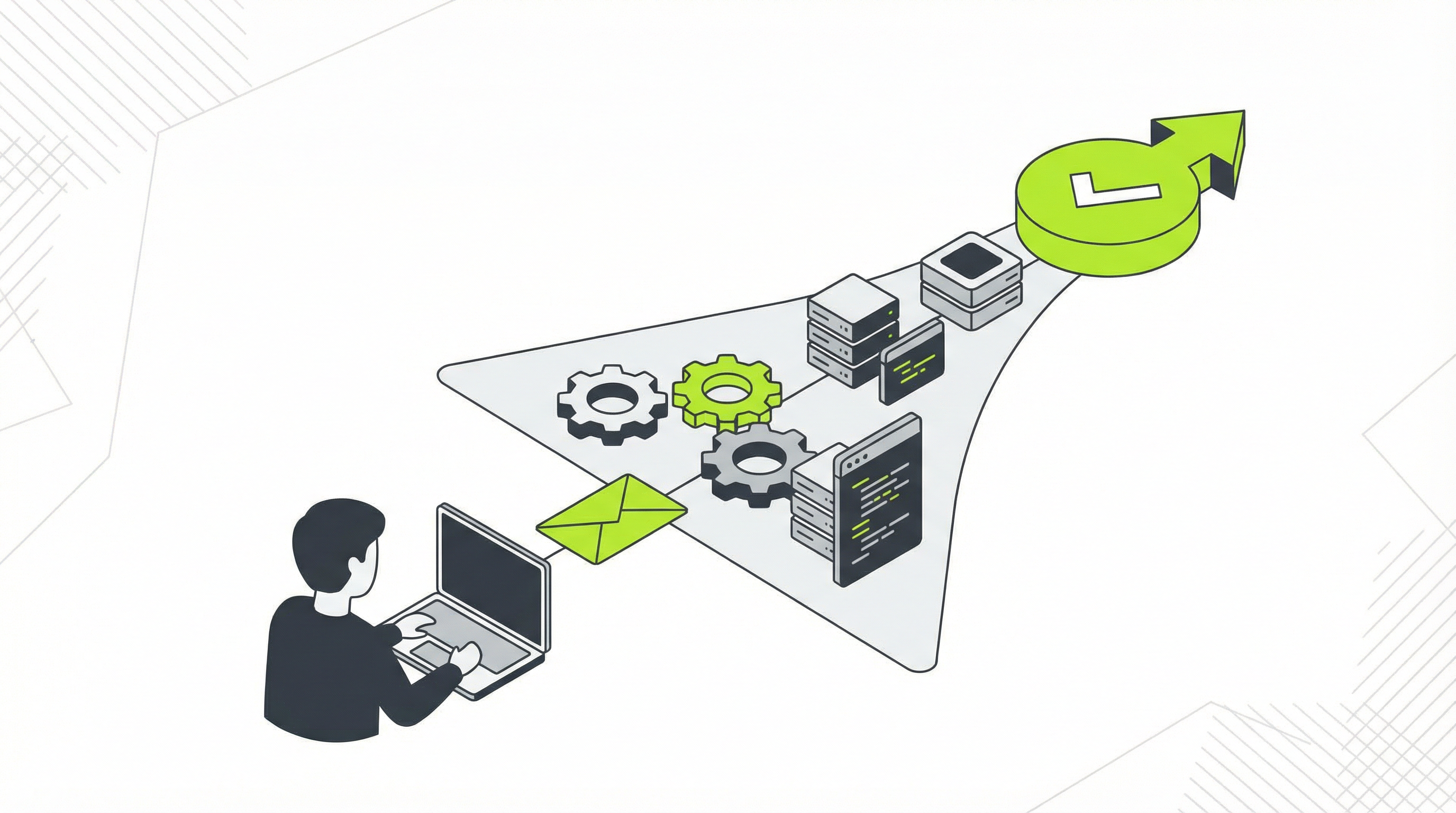
Instead of hiring a developer or spending weeks learning to code, you can bridge the gap instantly with ConvertCMS.ai. Our platform was built specifically to solve the Claude website export problem. We take your static HTML and CSS files and automatically convert them into a fully editable, premium-quality WordPress theme. There is no code to write and no complex process to manage.
You simply upload your exported files, and our AI-powered engine handles the entire conversion. The result is a professional, easy-to-install theme that works just like any other WordPress theme. You gain complete control over your content, with the ability to edit text, add pages, and manage your SEO with just a few clicks. It’s the seamless handoff you were hoping for from the start.
For just $50 a month, you can convert unlimited AI-generated designs, making it the perfect tool for entrepreneurs and small businesses. Agencies can leverage our $250/month plan to streamline client handoffs and dramatically increase project profitability. Stop letting your beautiful designs go to waste. Turn your Claude website export into a powerful, editable, and growth-oriented WordPress website today with ConvertCMS.ai.