AI Website Export Problem (Complete Guide)
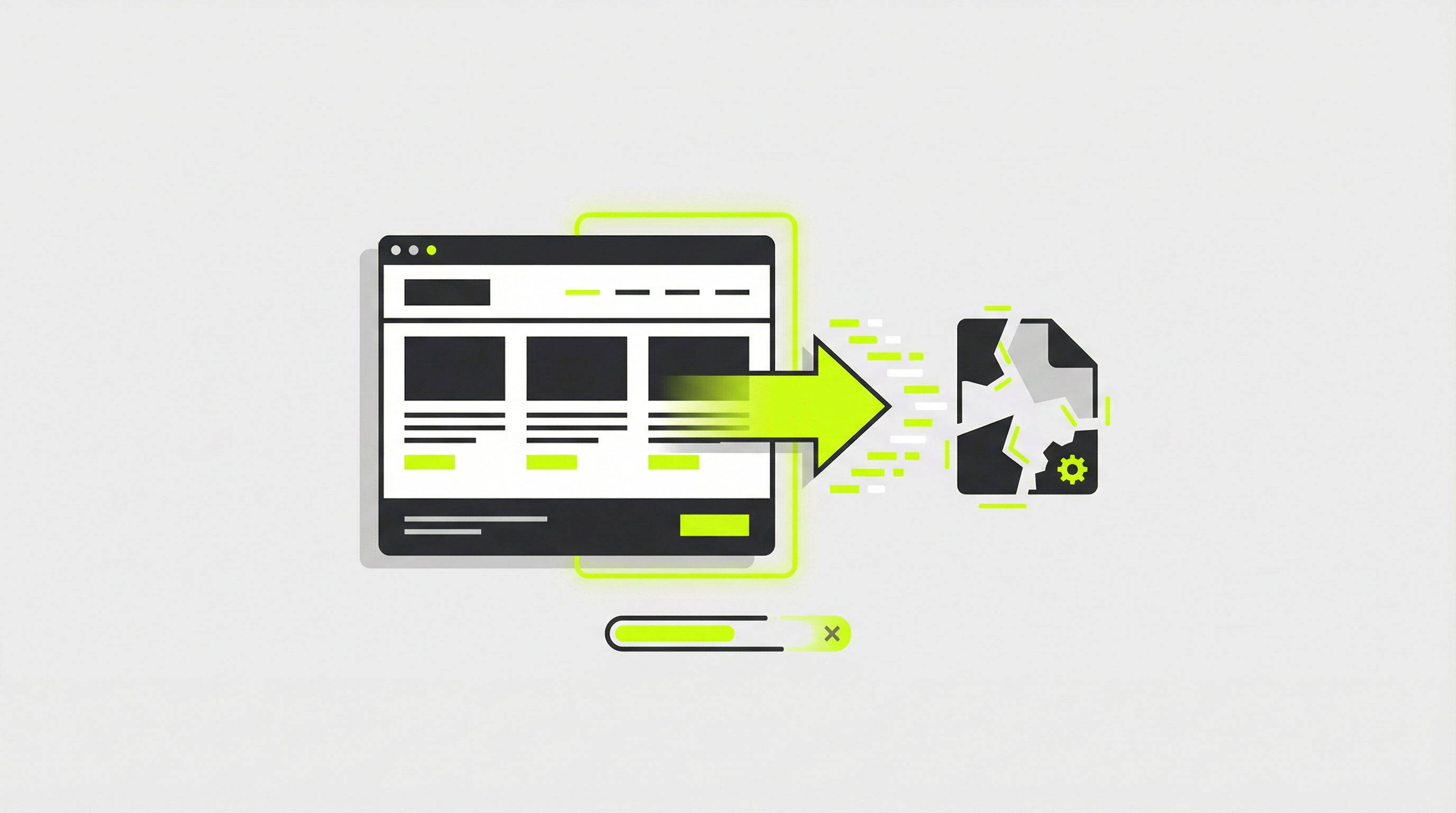
You’ve just spent hours with an AI website builder, meticulously crafting the perfect design. The layout is stunning, the visuals are crisp, and the user experience feels just right. You hit the export button, and a ZIP file lands in your downloads folder. But this is where the excitement often turns to frustration. You’ve just encountered the AI website export problem: the beautiful design you created is trapped in a folder of static HTML and CSS files, a far cry from the functional, editable website you need for your business.
The All-Too-Common AI Website Export Problem
This scenario is incredibly common. Tools like ChatGPT, Claude, and others are fantastic for visual prototyping and generating design ideas. They can output HTML and CSS that looks exactly like your design. However, this output is merely a snapshot, a static picture of a website. The AI website export problem is that this code isn't built to be a living, breathing website. It’s a blueprint, not the finished house. You're left with significant static site issues, where simple updates require a developer and adding new content is nearly impossible.
Why Your AI-Generated HTML is a Dead End
So, why does this happen? AI design tools are fundamentally graphic design assistants, not website development platforms. Their goal is to generate a visual representation, not a functional, database-driven site. The AI HTML export they provide is a direct translation of that visual design into code, but it lacks the underlying architecture required for a real website.
This leads to several major pain points:
- You can't update text or images: Want to change a headline or swap out a photo? You’ll need to dig into the code. There’s no user-friendly editor.
- You can't add new pages: Your export is a fixed set of pages. Adding a blog, a new service page, or a portfolio requires manual coding and linking, which is complex and error-prone. This is a key reason why AI-generated sites often feel so rigid [blocked].
- You have no SEO control: Static files offer minimal control over search engine optimization. You can't easily manage meta titles, descriptions, or generate sitemaps, which are crucial for being found on Google.
- You can't add plugins or integrations: Need a contact form, an analytics tracker, or an e-commerce store? These essential features rely on a backend system and plugins, which static HTML doesn't support.
- Client handoffs are a nightmare: If you're an agency, giving a client a folder of HTML files is a recipe for disaster. They have no way to manage the site themselves, leading to endless support requests for minor changes.
From Static to Dynamic: What You Really Need
To overcome these limitations, you need to move from a static site to a dynamic one powered by a Content Management System (CMS). A CMS like WordPress separates your content from your design. Your text, images, and blog posts are stored in a database, and the CMS uses a theme to display that content. This is the standard for virtually all modern business websites.
By converting your design into a CMS theme, you gain the power to manage your site effortlessly. The ultimate goal is to transform that static design into an editable format [blocked], giving you full control. You can log in to a simple dashboard, write a new blog post, update your pricing, or add a new team member without ever looking at a line of code.
How to Solve the AI Website Export Problem
So, how do you bridge the gap between your static AI design and a dynamic WordPress site? The solution is to convert that raw AI HTML export into a fully functional, custom WordPress theme. This process involves taking the visual structure from the AI-generated files and integrating it with the PHP, functions, and database calls that WordPress uses to manage content.
This conversion correctly solves the core AI website export problem. It’s not about finding a better export button; it’s about transforming the output into something fundamentally different and more powerful. Whether you're dealing with a common Claude website export issue [blocked] or a design from any other AI tool, the challenge and the solution are the same: the static code must be rebuilt as a dynamic CMS theme.
ConvertCMS.ai: The Bridge from AI Design to a Real Business Website
This is precisely where ConvertCMS.ai comes in. We are the definitive solution to the AI website export problem. You don't have to abandon your perfect AI-generated design or hire an expensive developer to rebuild it from scratch. We do the conversion for you.
Our platform takes your exported files from any AI website builder—ChatGPT, v0.dev, Anima, you name it—and our expert system converts them into a premium, fully editable WordPress theme. You get the best of both worlds: your unique, AI-powered design and the unparalleled power of a true CMS.
With a ConvertCMS.ai theme, you can:
- Keep your exact design: Your website will look exactly as the AI designed it.
- Get a powerful backend: Easily update every piece of text and every image through a simple, intuitive interface.
- Gain full control: Add new pages, manage your blog, and control your site's SEO without writing any code.
- Extend functionality: Install any of the thousands of WordPress plugins for contact forms, analytics, security, and more.
Stop letting the AI website export problem hold you back. For just $50/month, individuals can get a professional, editable website from their AI design. Agencies can manage multiple client projects for just $250/month, streamlining the handoff process and empowering clients. Visit ConvertCMS.ai today to turn your static AI design into the dynamic, professional website your business truly needs.